
User & Role Management
This section manages the accounts with access to the admin interface, along with the roles and permissions that determine what each of them can do there.
Users
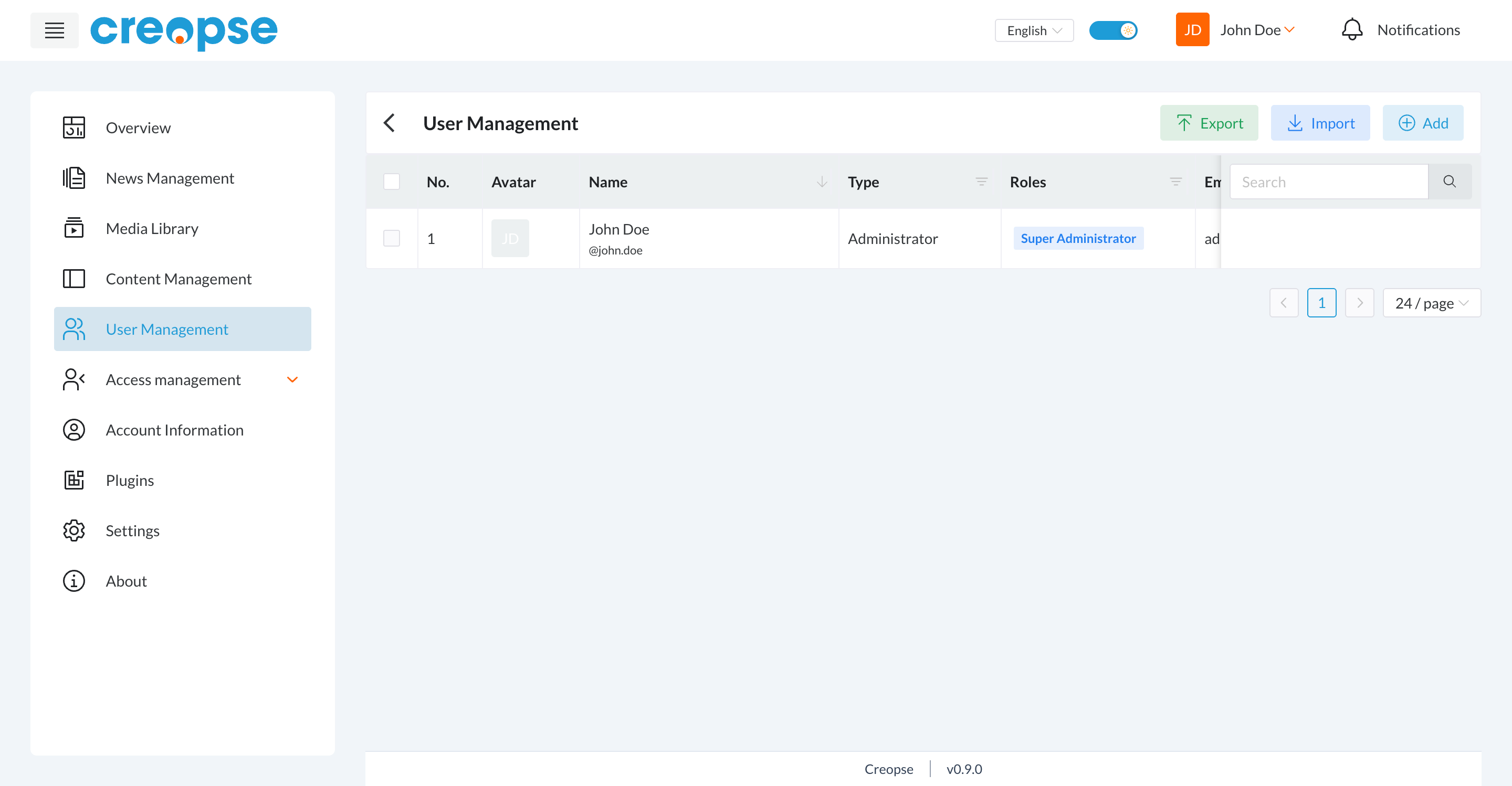
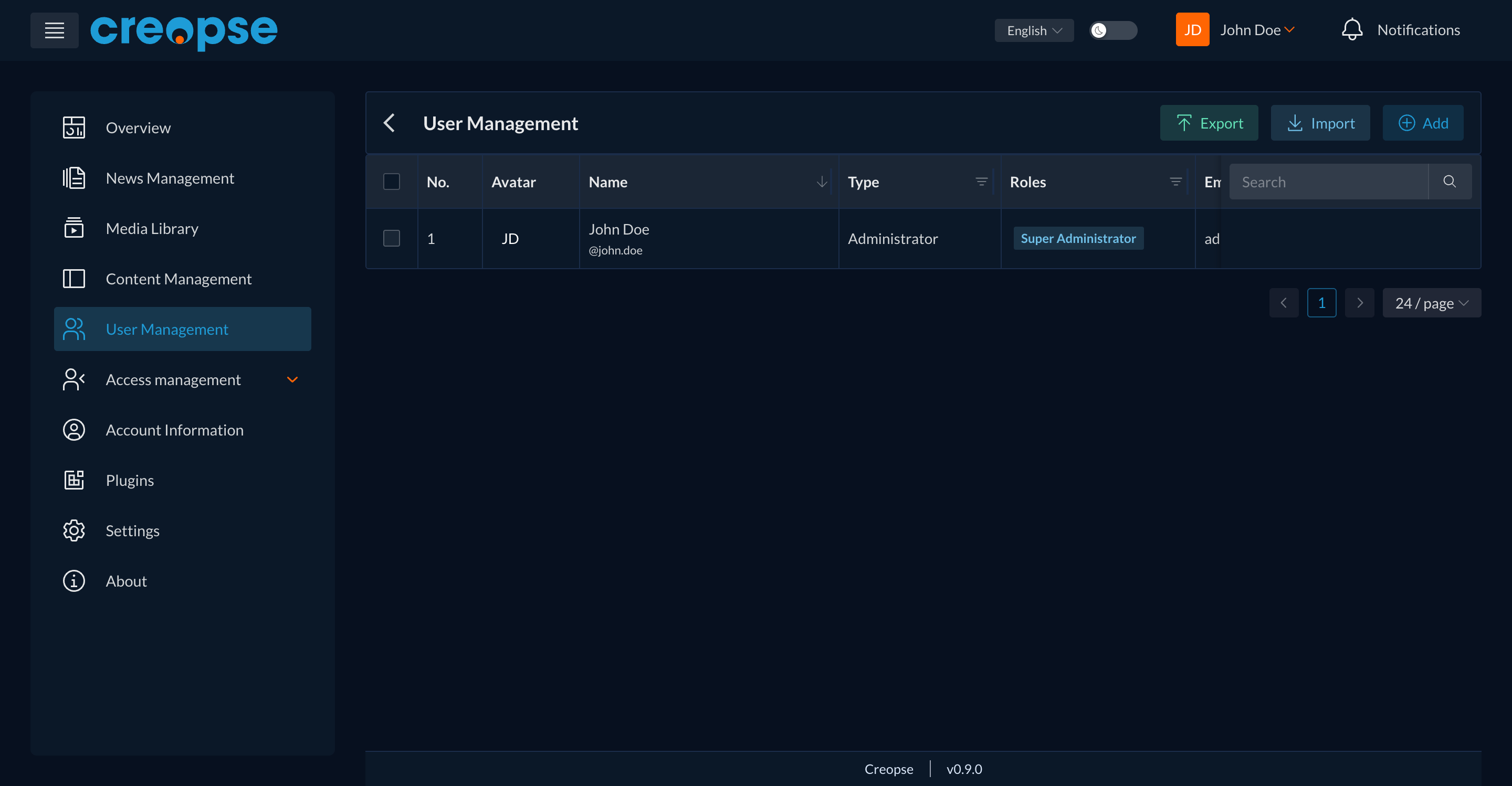
The list shows, for each user, their avatar, name, account type, roles, and email.
- Add creates a new user account.
- Import/Export let you manage several accounts at once through a file.
- The Search field finds a specific user.
Roles
A role groups a set of permissions and is assigned to users. Three roles exist by default:
| Role | Scope |
|---|---|
| Super Administrator | Full system access, including managing other administrators. |
| Administrator | Operational system management, without access to the most sensitive settings. |
| User | Standard access to public and personal features. |
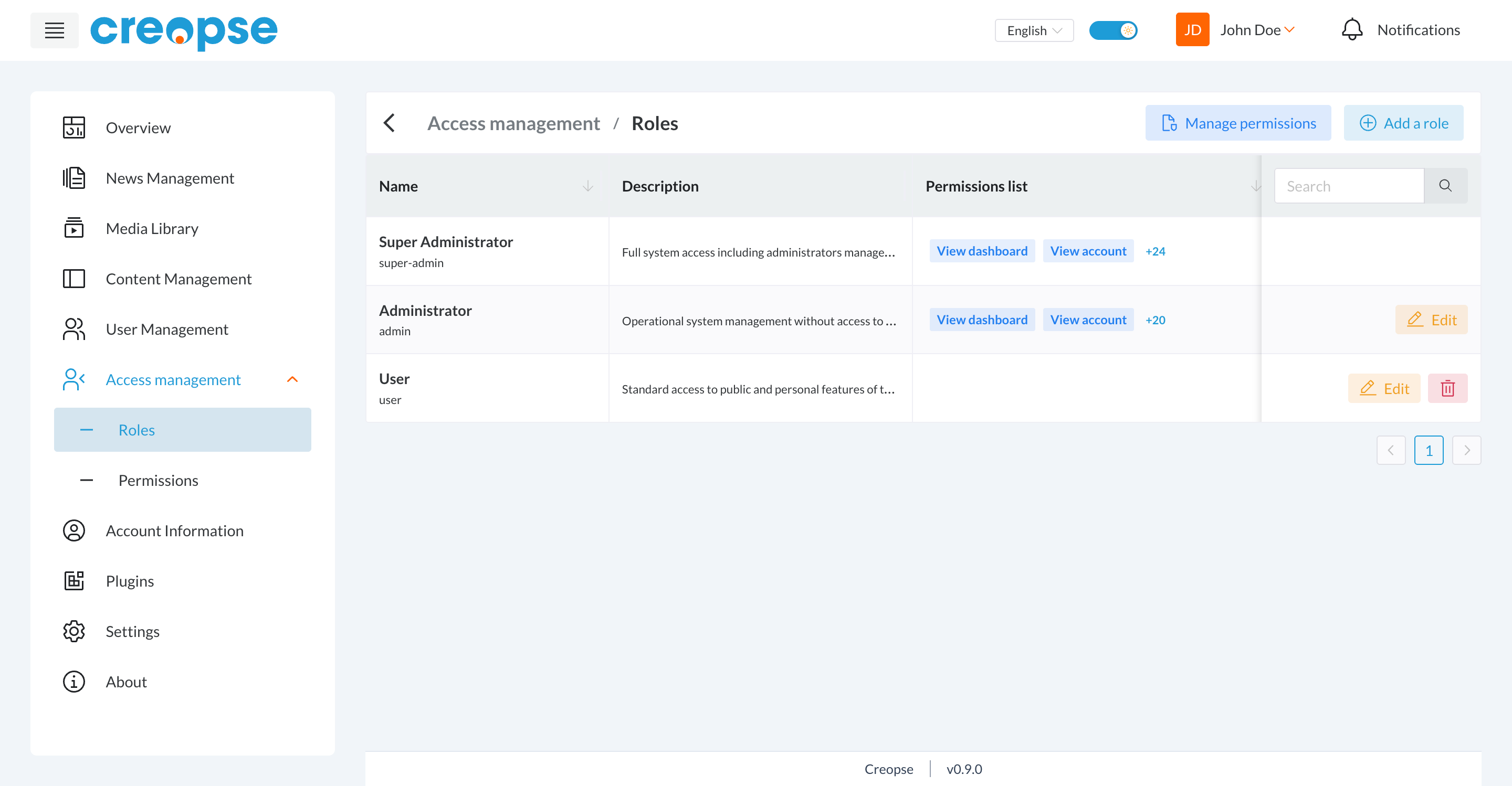
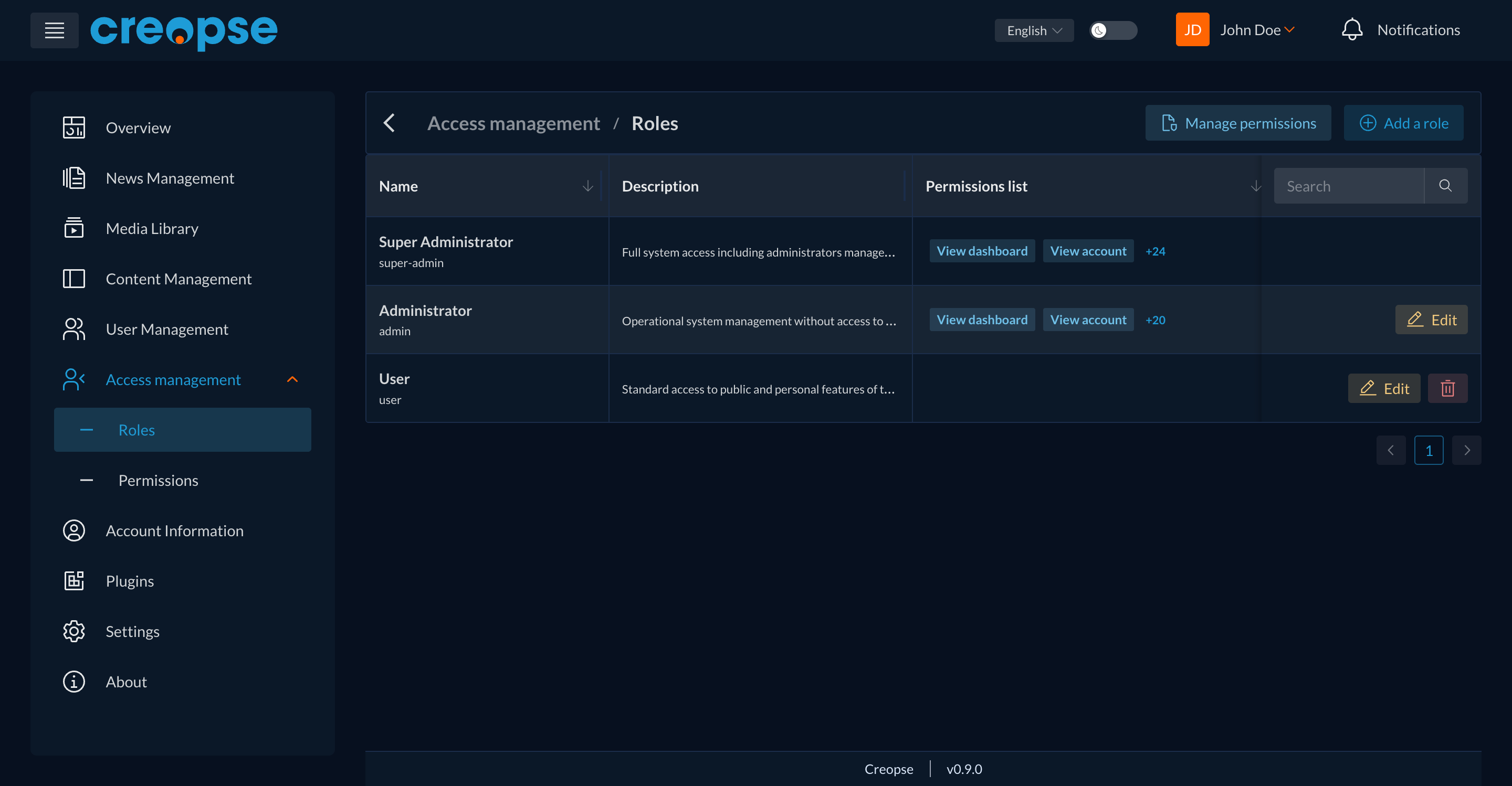
Add a role creates a new one; Manage permissions opens the global list of available permissions.
Permissions
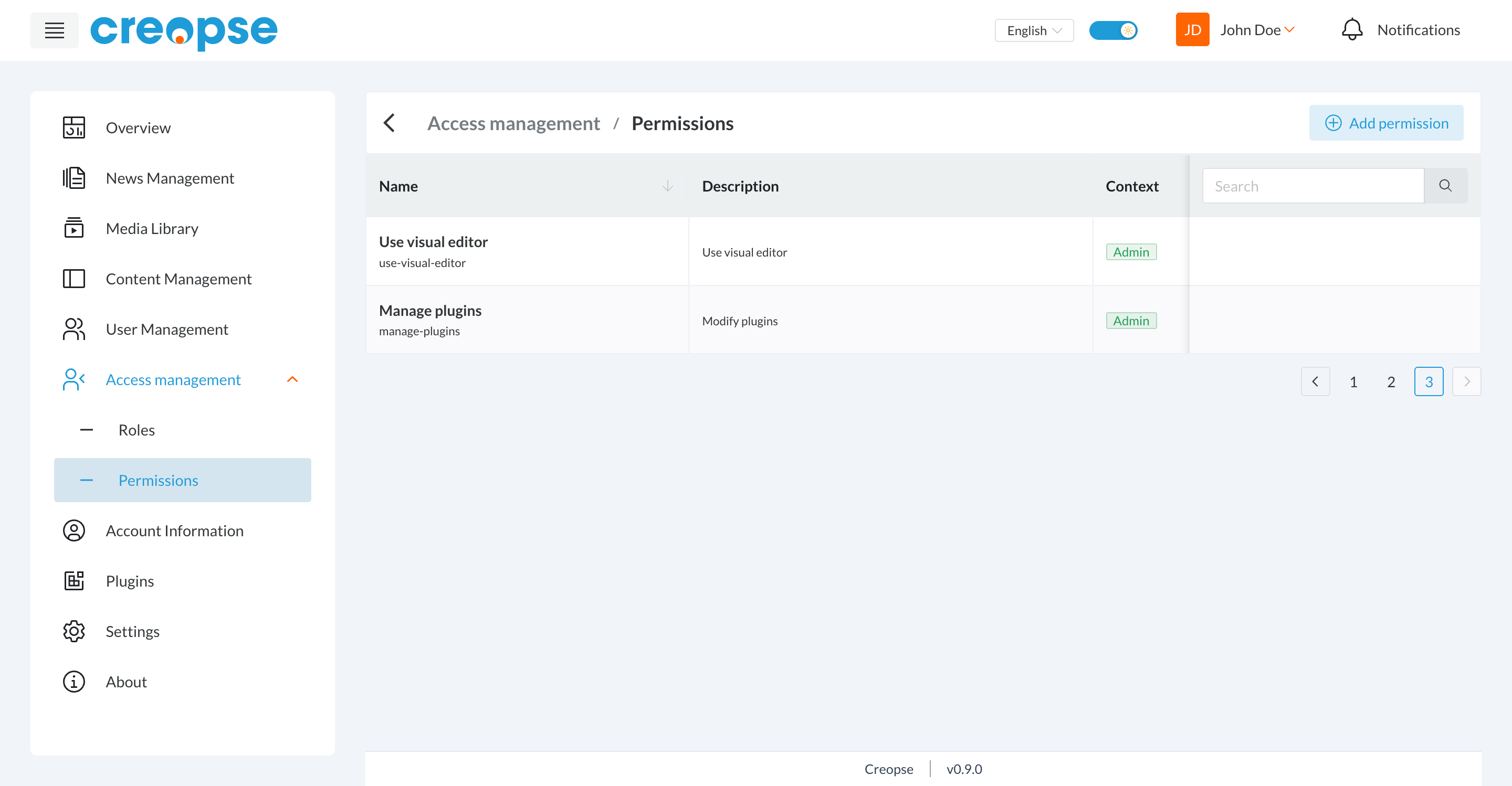
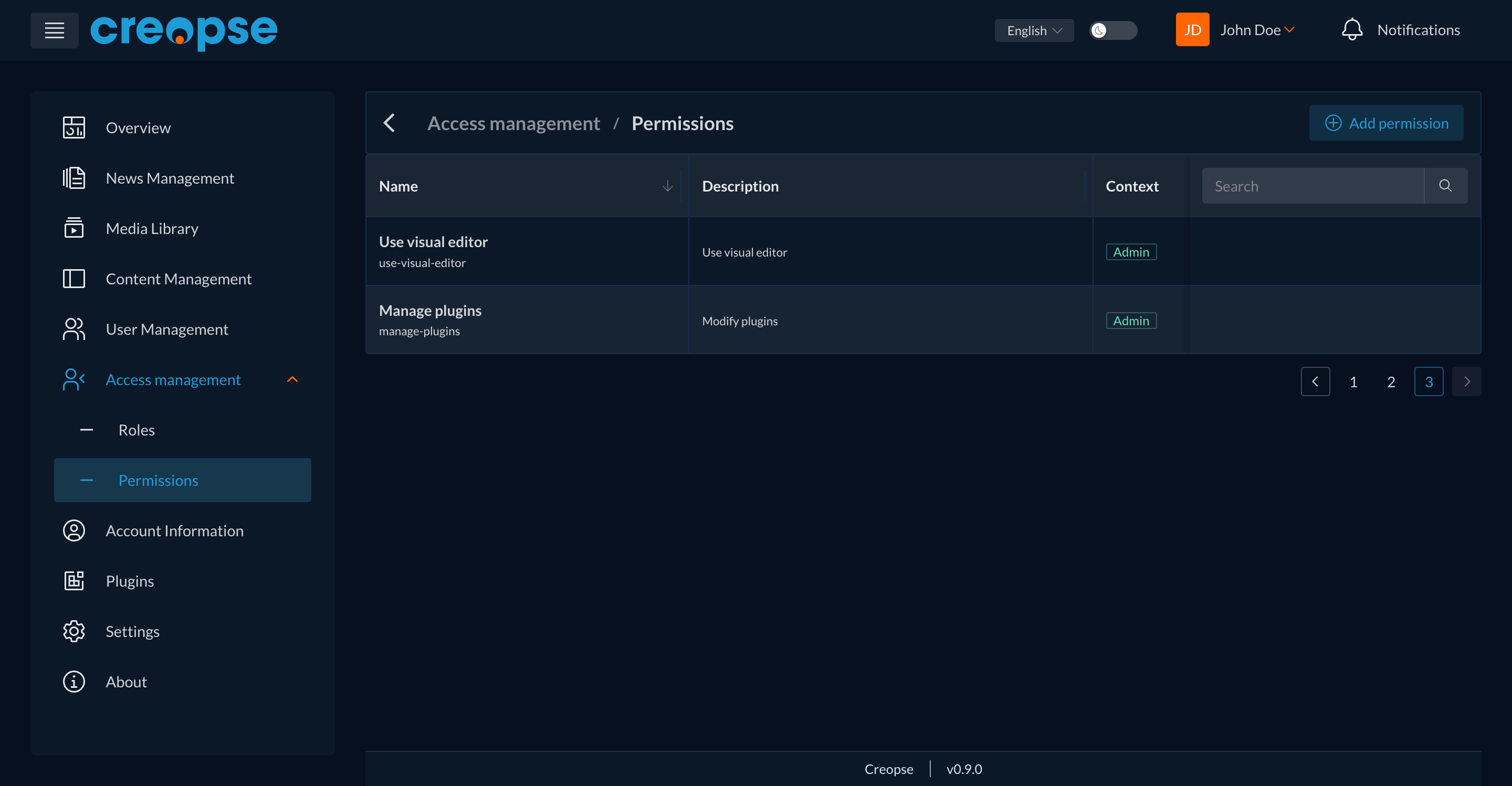
A permission authorizes a specific action (e.g. use-visual-editor, manage-plugins), with a technical name, a description, and a context (e.g. Admin).
WARNING
Changing a role's permissions immediately affects every user assigned to that role — on a production environment, validate this kind of change carefully.
See also
End-user–oriented versions exist in the User Guide: User Management and Access management.