
Core concepts
Sections
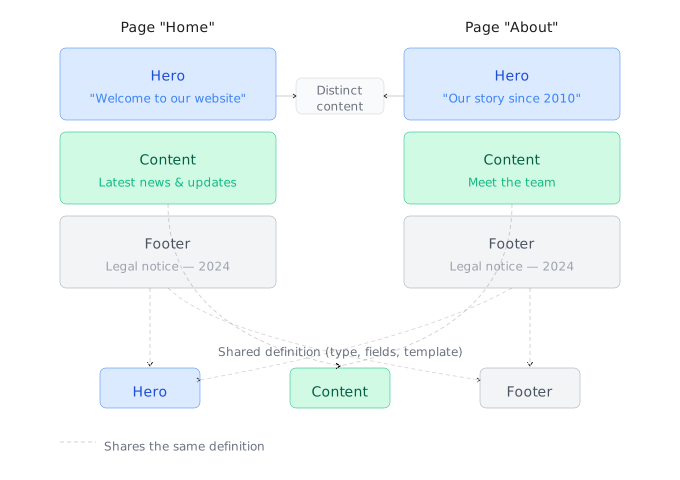
The basic building block of Creopse is the section, which can be defined as a contextualized and localized content block. Every section has a data structure for organizing its content and parameters for adapting its rendering. See Sections & Widgets for how they're created and structured.
Widgets
A widget is a static UI block, with no data structure and no content managed from the admin panel — a preloader or a scroll progress bar, for example. Unlike a section, it's neither editable nor translatable. See Sections & Widgets.
Pages
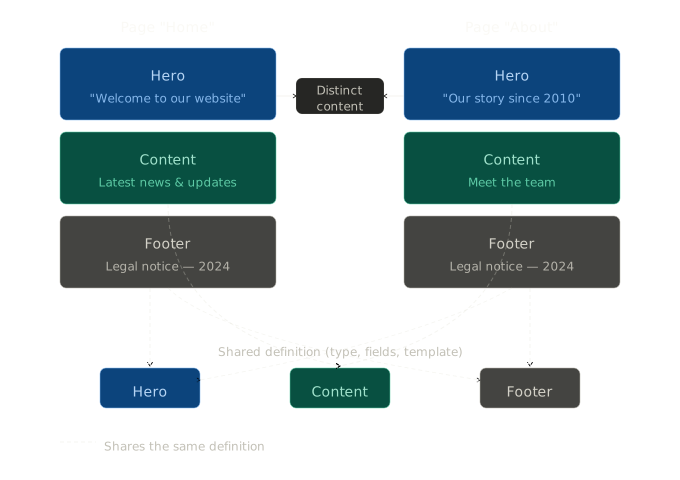
Pages in Creopse are stacks of sections whose position and content can be modified. Each page can contain as many sections as needed, and the content of each section is bound to the page it sits on. The same section can therefore be used across multiple pages with different content, or appear multiple times on the same page. It is also possible to bind a section's content to its content on another page. See Pages for the full set of commands and use cases.
Menus
A menu groups the navigation links for a given location (header, footer...). Components like the Header or Footer only display the items defined through this system rather than hardcoded links, which lets navigation be managed from the admin panel without touching code. See Menus.
Content models
Content models are data models used to retrieve content tied to the platform's business context, which can be used throughout the application — for example, services, articles, products, etc. They are accessible from any section on any page. See Content Models.
Permalinks
A permalink associates a public URL prefix with content — a content model item, or a news article/category/tag — and with the page that renders it. Without a permalink, a content model has no reachable detail page, even once that page is already coded. See Permalinks.
Data structures
Data structures are descriptions of the shape of the data that makes up the content of various elements such as sections and content models. They allow Creopse to generate the necessary fields for collecting content data in the administration interface.
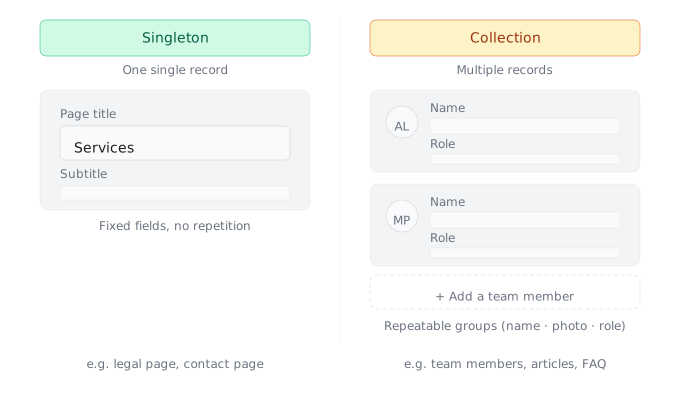
Two types of components are distinguished in data structures:
- Singletons:
Components used to retrieve simple content data, such as a title, an image, a text, etc.
- Collections:
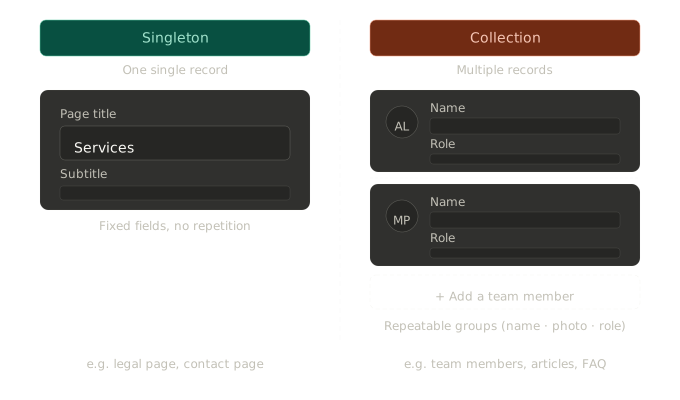
Components used to retrieve complex and repetitive content data, such as a list of team members, a list of customer testimonials, etc.
See Field types for the complete list of available types, and Utilities for the composables/hooks that consume this data in a component.