
Menus
This section manages the site's navigation — the links consumed by components like the Header or Footer instead of being hardcoded. It corresponds to the creopse menu CLI group.
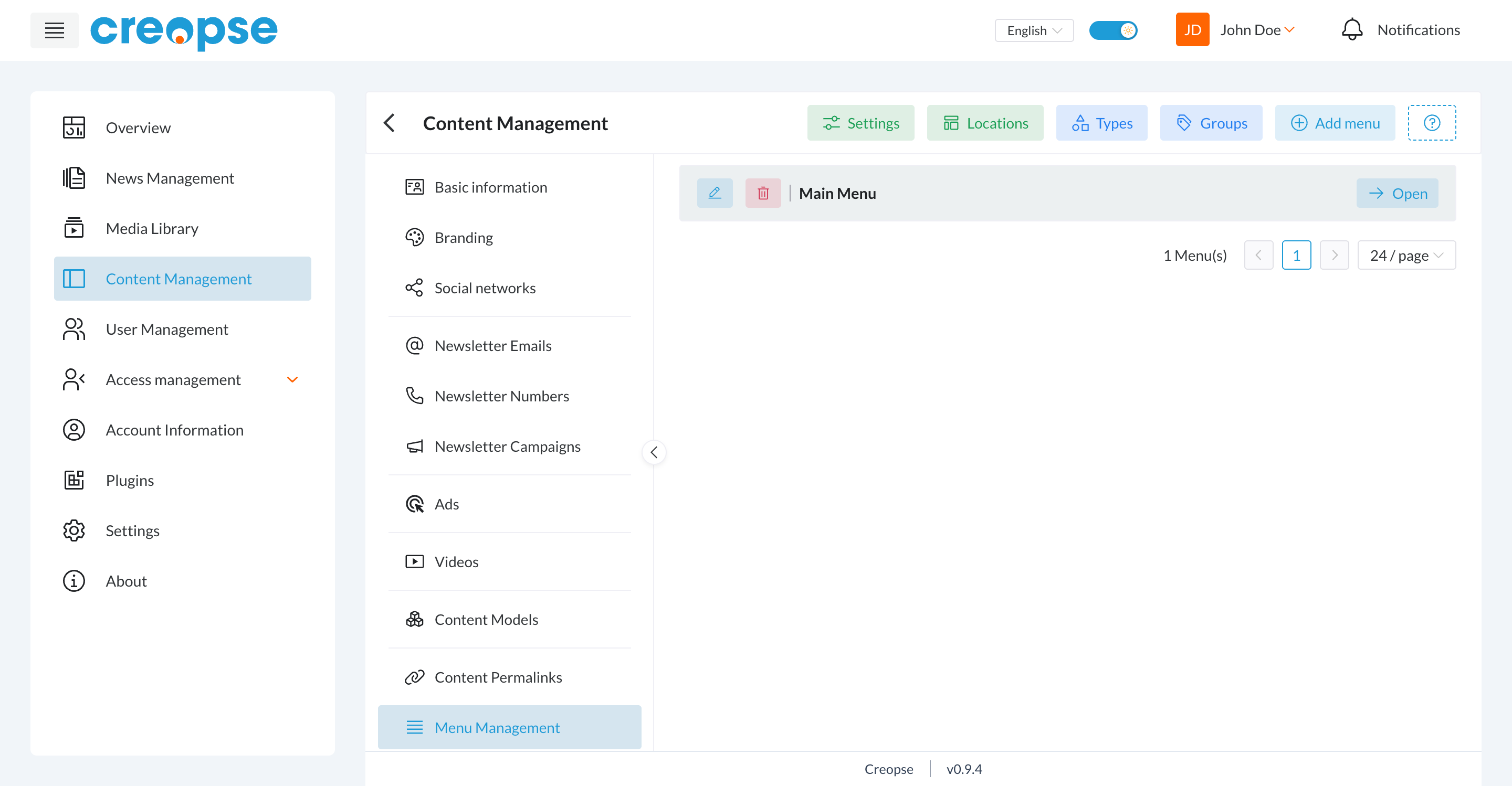
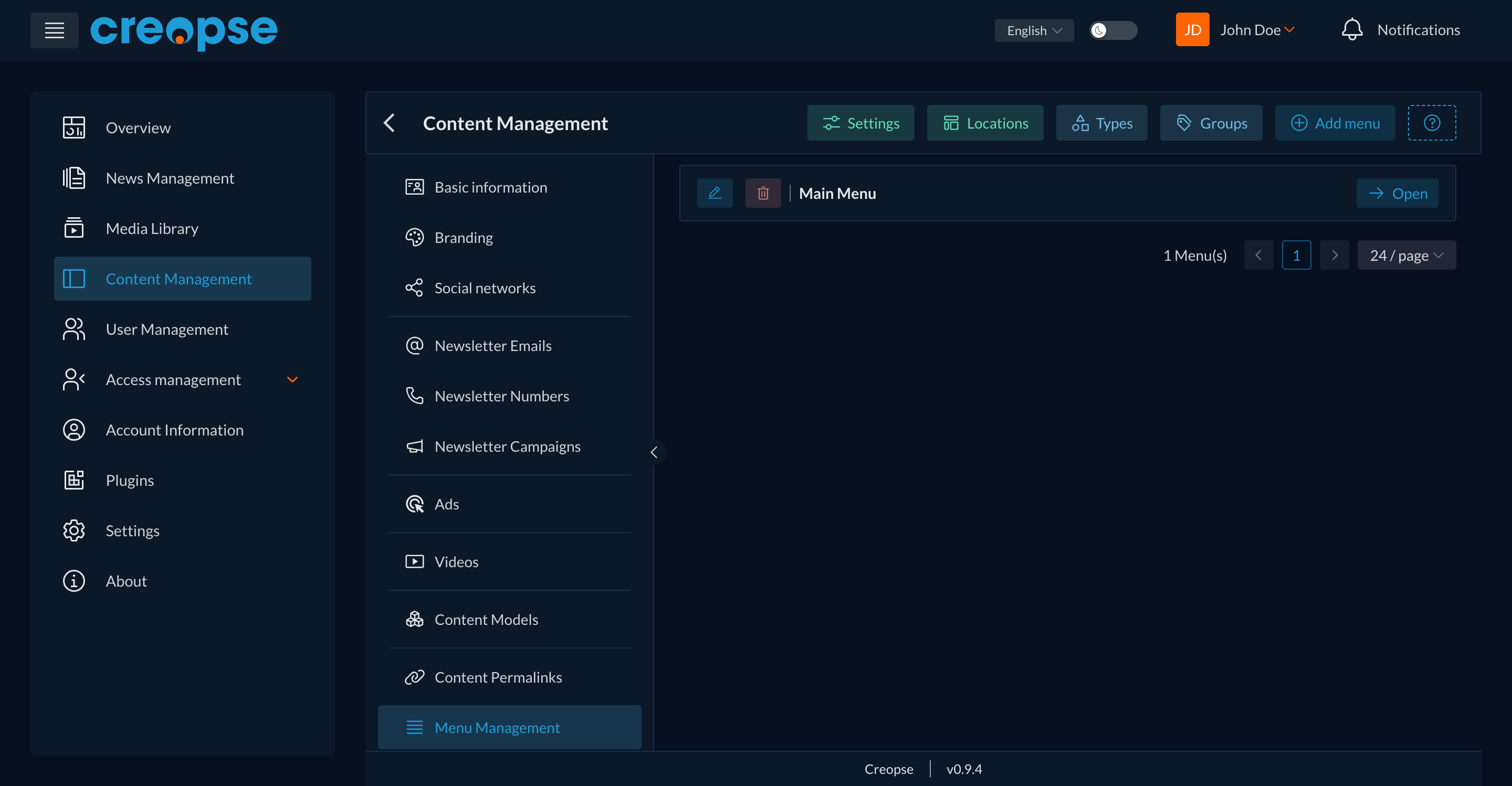
Action bar
- Locations — the rendering slots (
header,footer...) a menu can be assigned to. - Types and Groups — categorize/style items, useful in particular to distinguish a dropdown submenu from the rest.
- Settings — global settings for the menu system.
- Add menu — creates a new menu and assigns it to a location.
Menu list
Each menu shows its name, an edit icon, a delete icon, and an Open button giving access to its items (creating, reordering, deleting, sub-items for dropdowns through a parent).
For developers
A content-link menu item (a direct link to a specific content model item, e.g. "Our flagship service" in the header) is different from a permalink: a permalink makes the detail page reachable for every item of a model without any menu entry being needed, while a content-link item is an explicit navigation entry pointing to one particular item. Both mechanisms are independent and normally coexist. See Menus and creopse menu to script creation through the CLI.