
Media Management
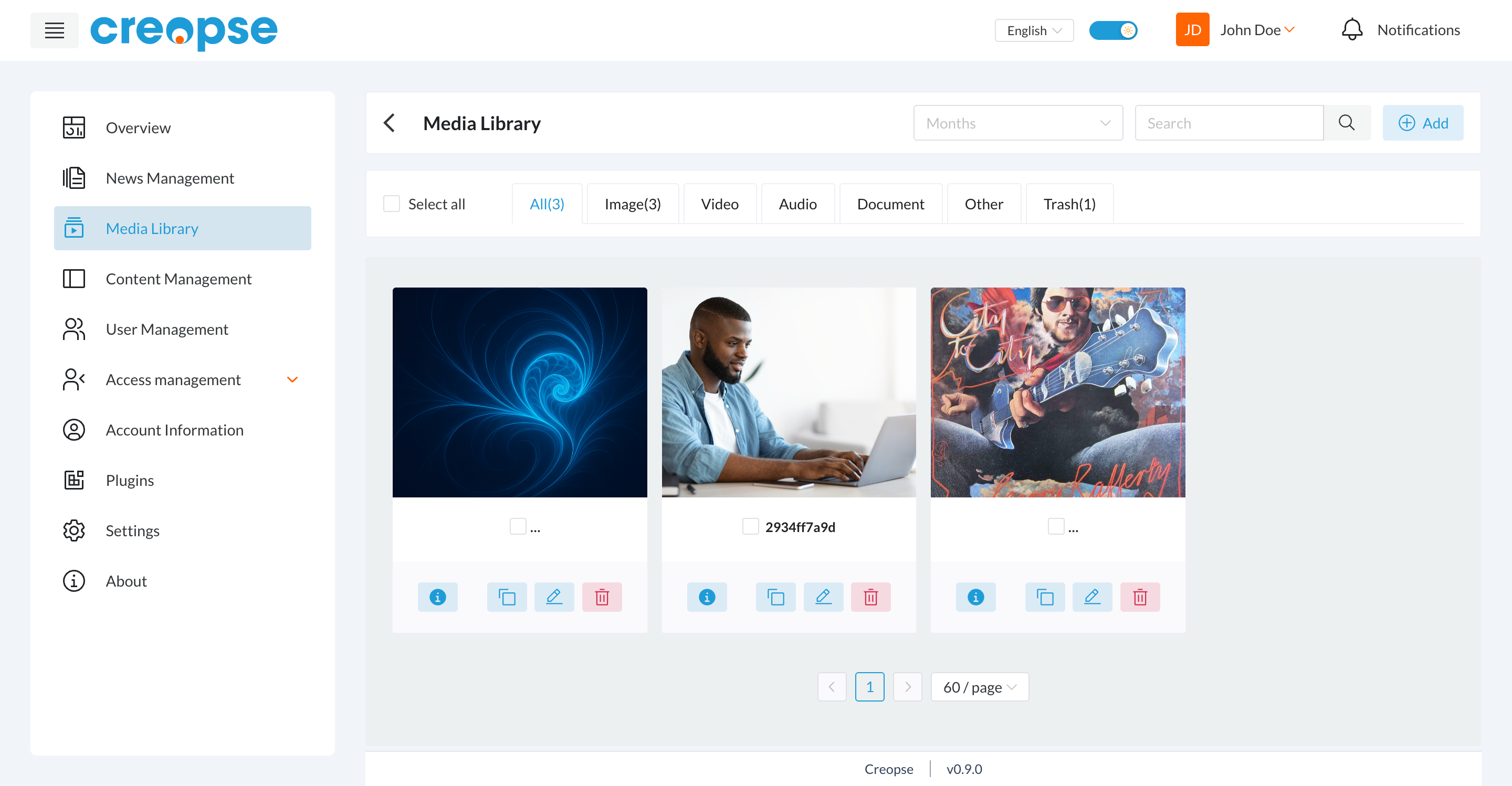
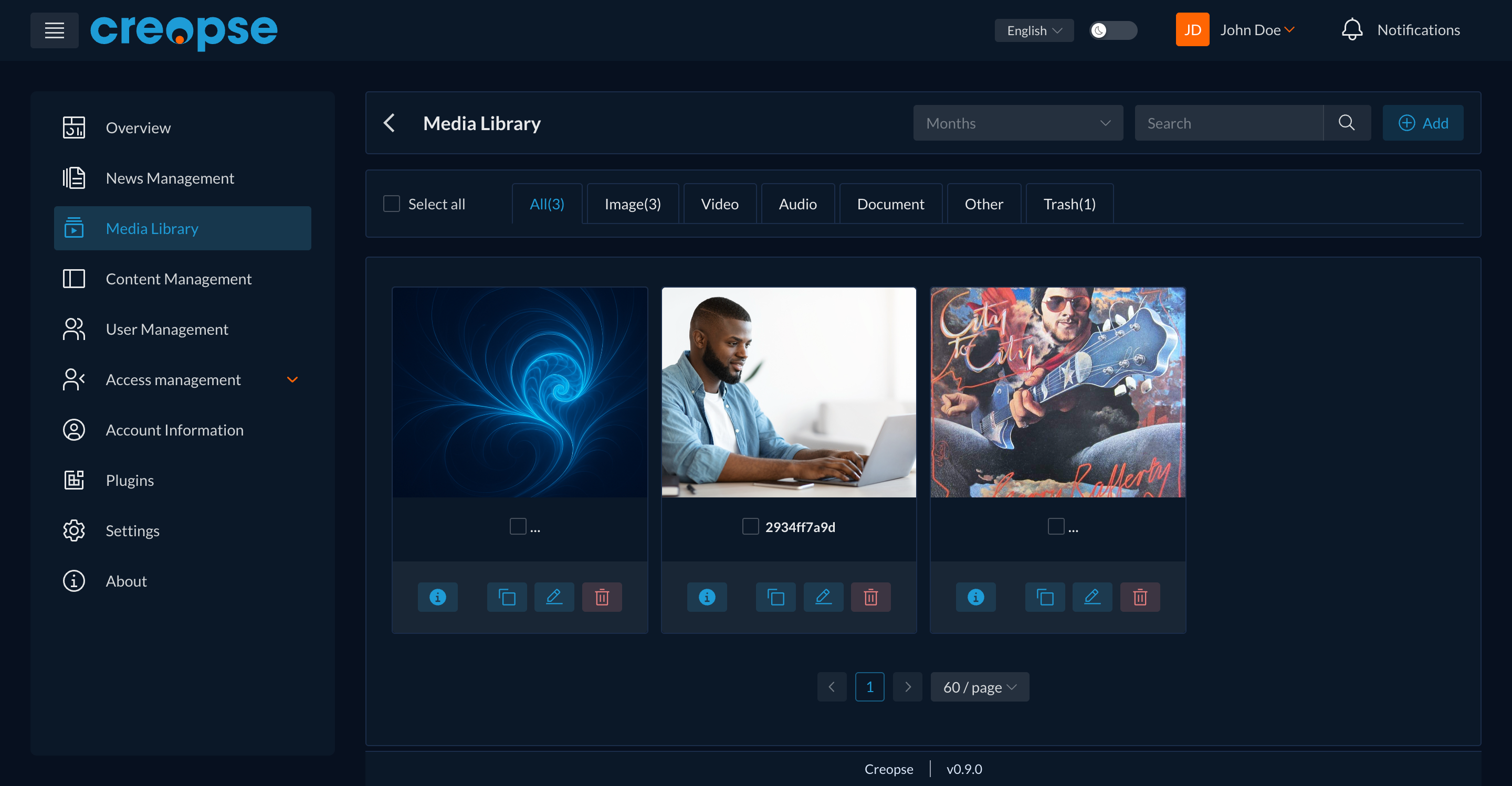
The media library centralizes the site's images, videos, audio files, and documents. A file uploaded here can be reused on any page or in any content model without uploading it again.
Organization
- The All / Image / Video / Audio / Document / Other tabs filter by file type.
- The Months filter and the Search field narrow down the list further.
- The Trash tab groups deleted files (deletion is reversible).
Actions
Add uploads a new file. Each file then offers four actions: view its information, duplicate it, edit it (name, alt text...), and delete it. A checkbox on each file lets you apply an action to several selected files at once.
For developers
These same operations can be scripted through creopse media — useful for bulk-populating the media library while integrating a template rather than uploading each file manually. A file on disk and its database record (MediaFile) can be deleted independently of each other.
See also
An end-user–oriented version of this section exists in the User Guide.