
Media Library
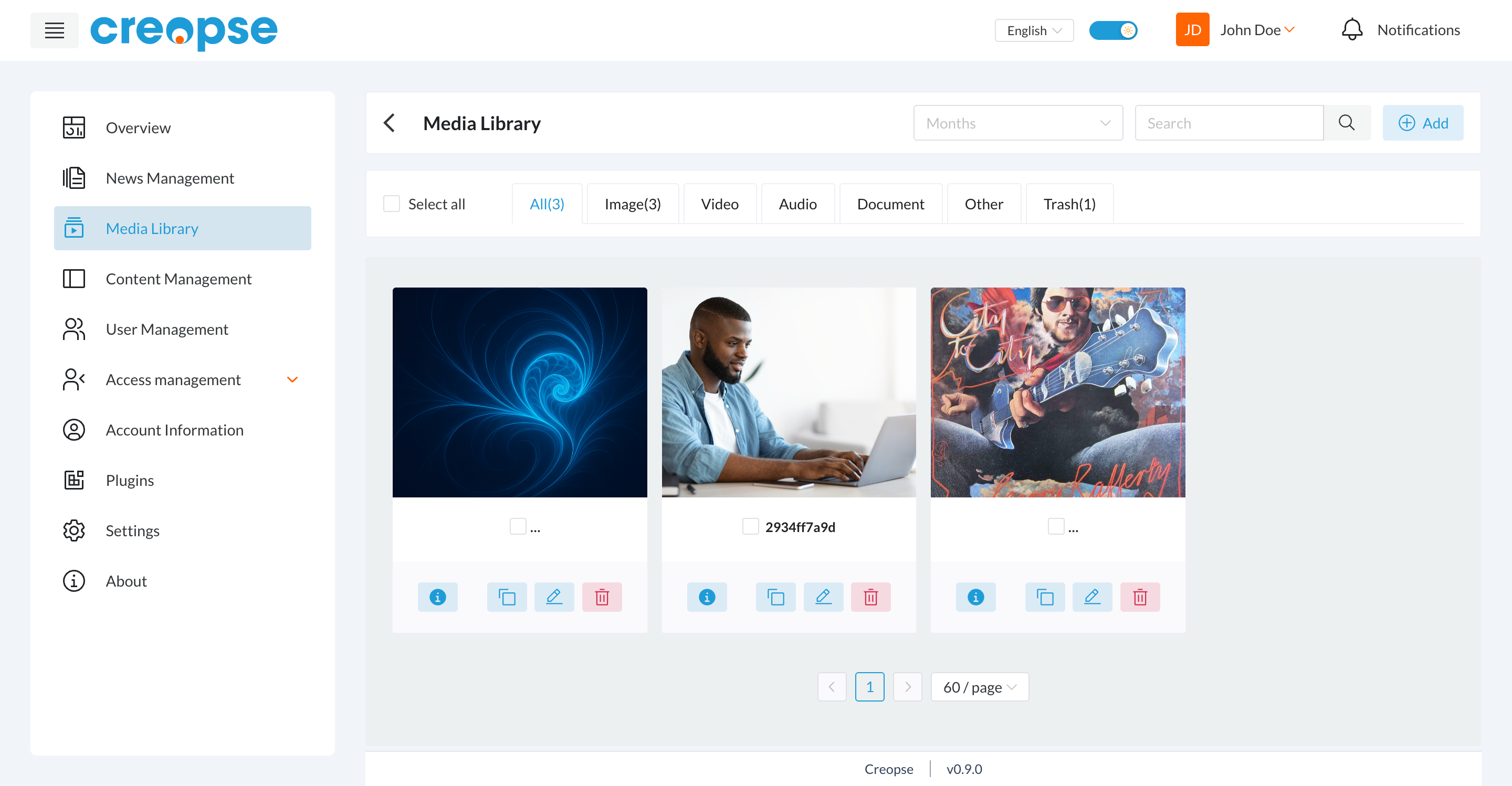
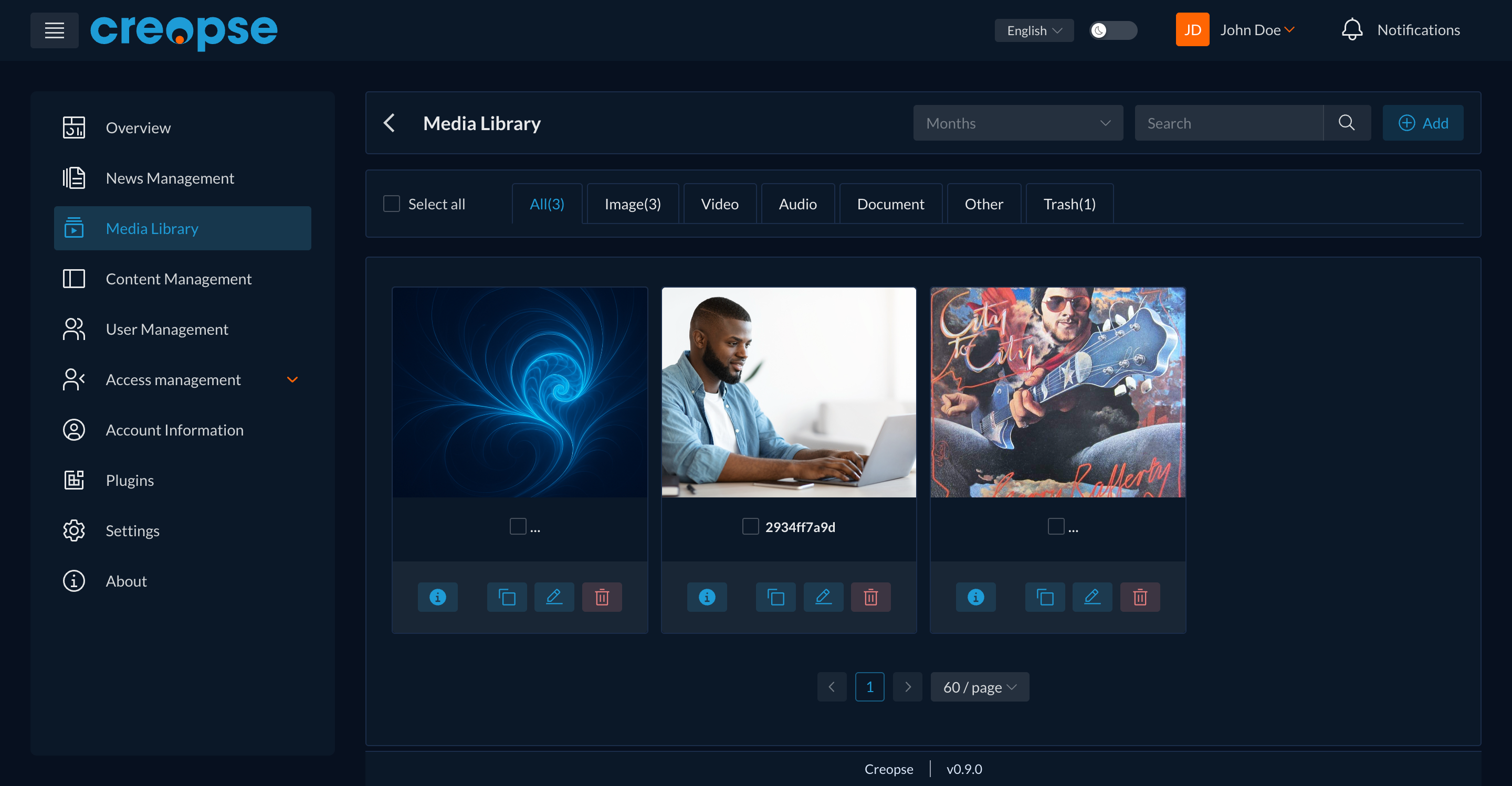
The media library centralizes all of your site's images, videos, audio files, and documents. A file uploaded here can be reused on any page without uploading it again.
Finding a file
- The All / Image / Video / Audio / Document / Other tabs filter the library by file type.
- The Months filter and the Search field narrow down the list further.
- The Trash tab groups deleted files, which can still be recovered.
Adding a file
The Add button at the top right opens the upload dialog for a new file.
Actions on a file
Each thumbnail offers four actions: view the file's information, duplicate it, edit it (name, alt text...), and delete it.
TIP
A checkbox on each file (and Select all at the top of the list) lets you apply an action to several files at once.
Are you a developer?
A technical version of this section exists in the Developer Docs.