
Content Management
This section brings together everything related to your site's public content: its general information, its content models (services, projects...), and its pages.
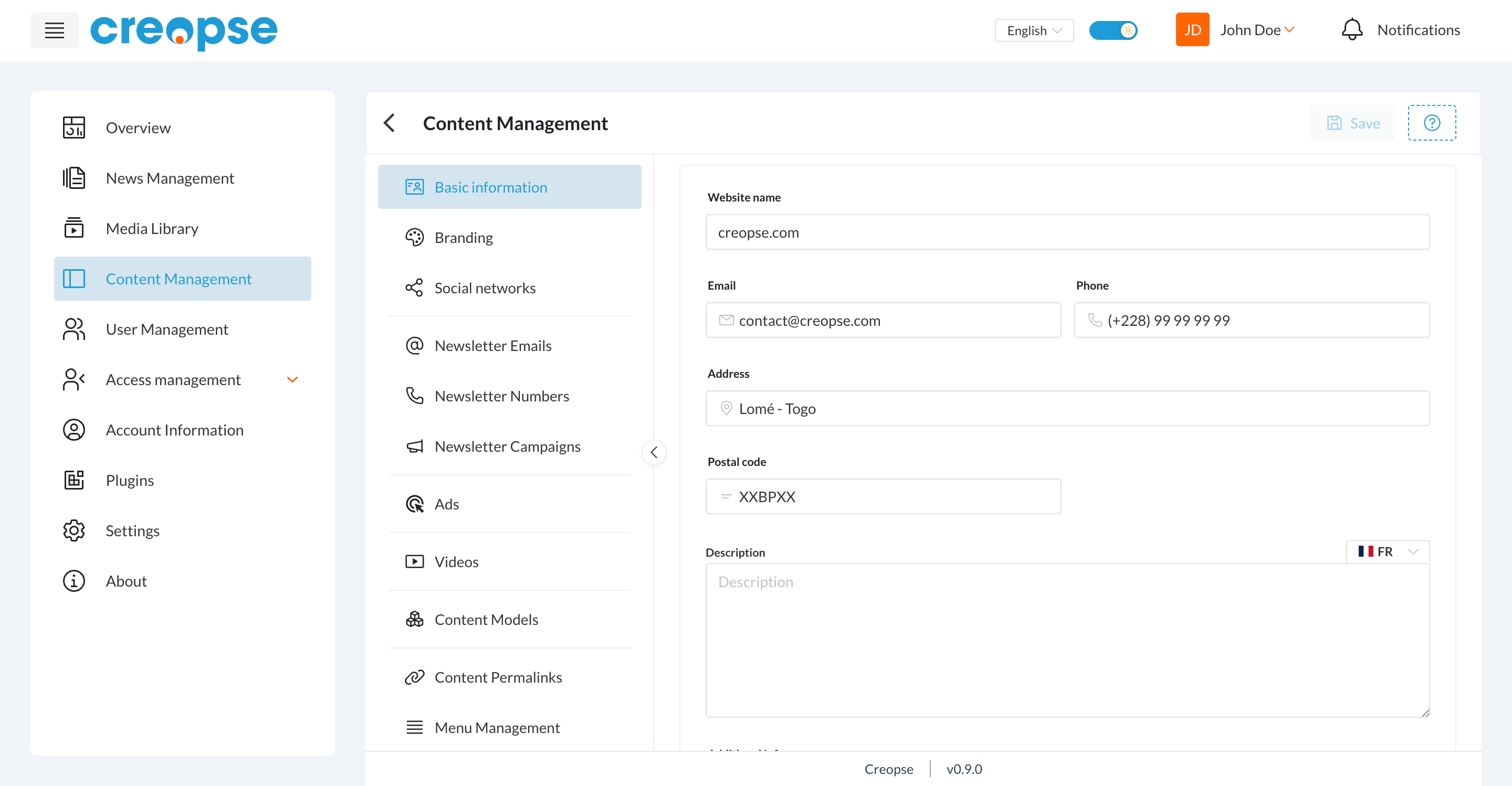
Basic information
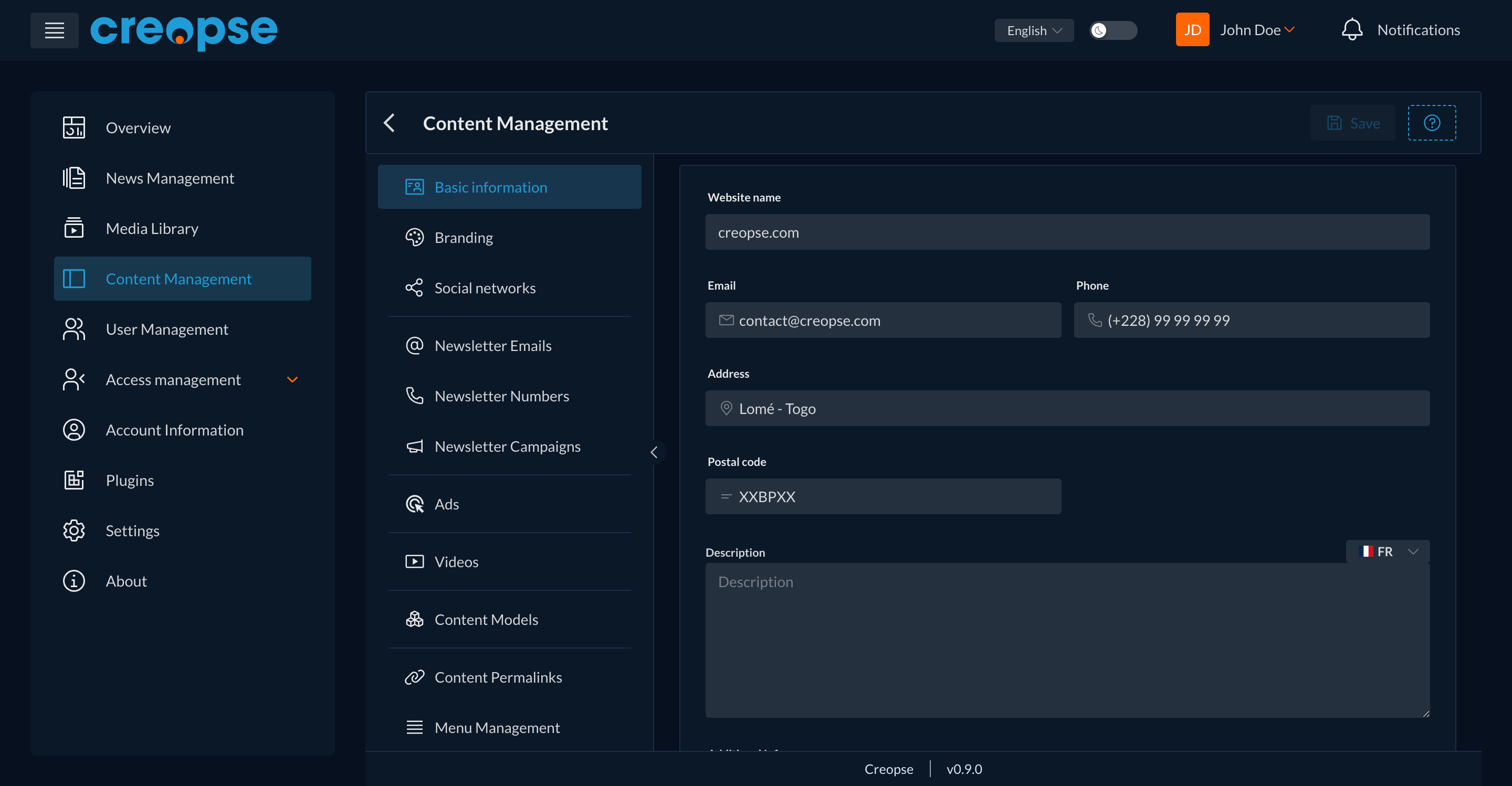
Website name, email, phone, address, postal code, and description — the information displayed across your site (Header, Footer, contact pages...). Neighboring tabs let you manage branding (logo, colors) and social networks.
Content models
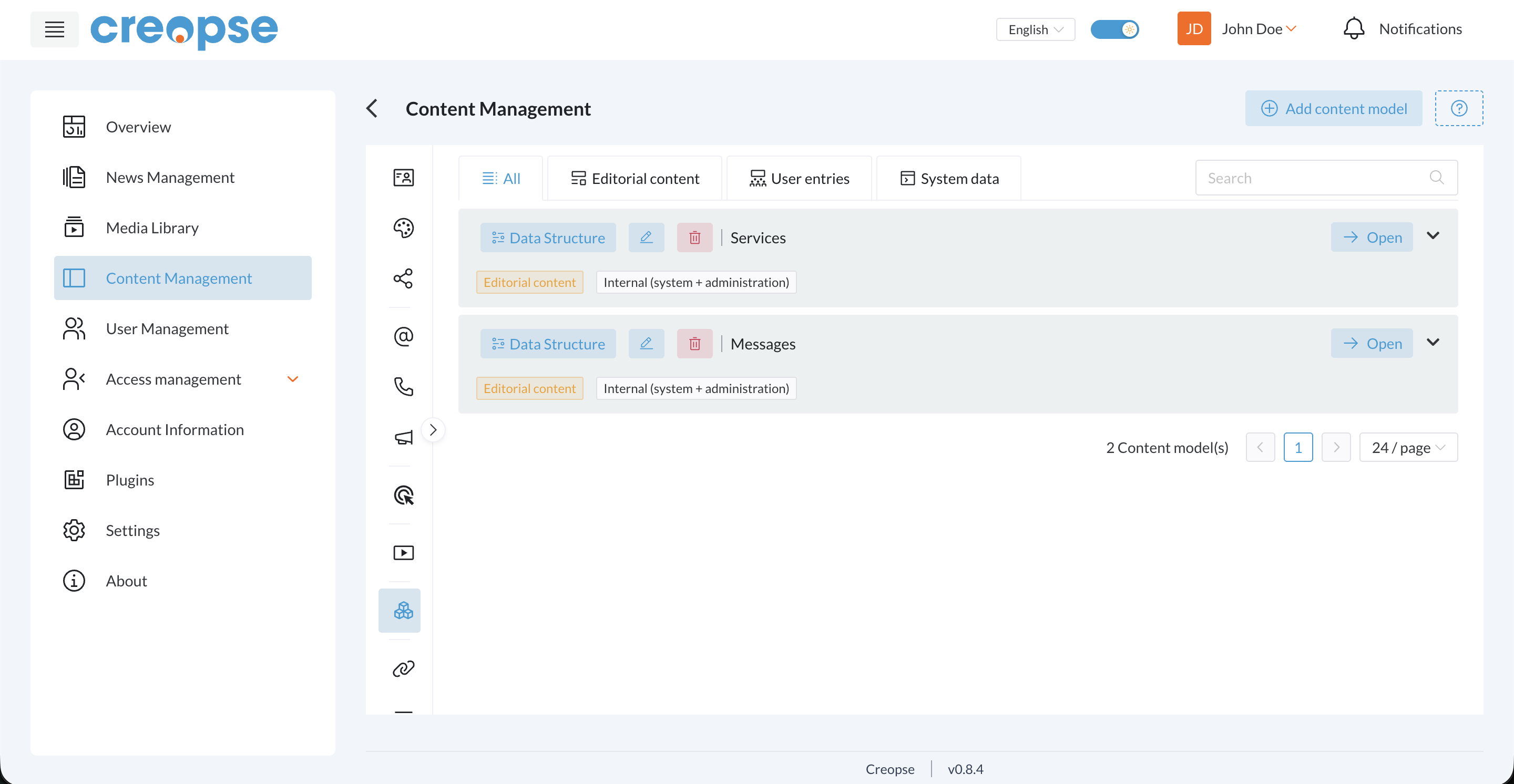
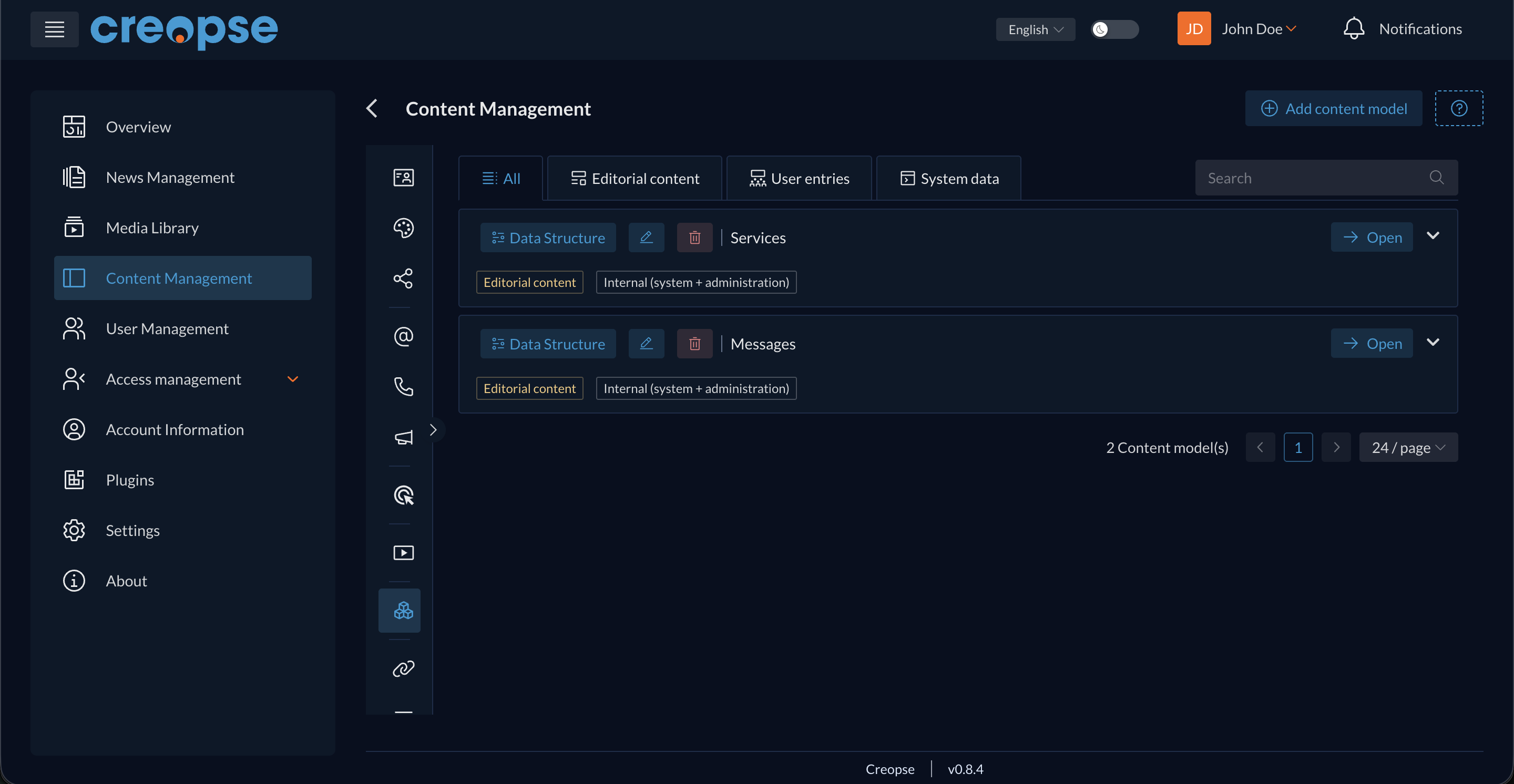
A content model represents a repeating type of content specific to your site — for example your services or projects — with a defined structure (title, description, image...) and a list of entries. The Editorial content / User entries / System data tabs filter models by origin, and Open gives access to a model's entries to create, edit, or delete them.
Pages
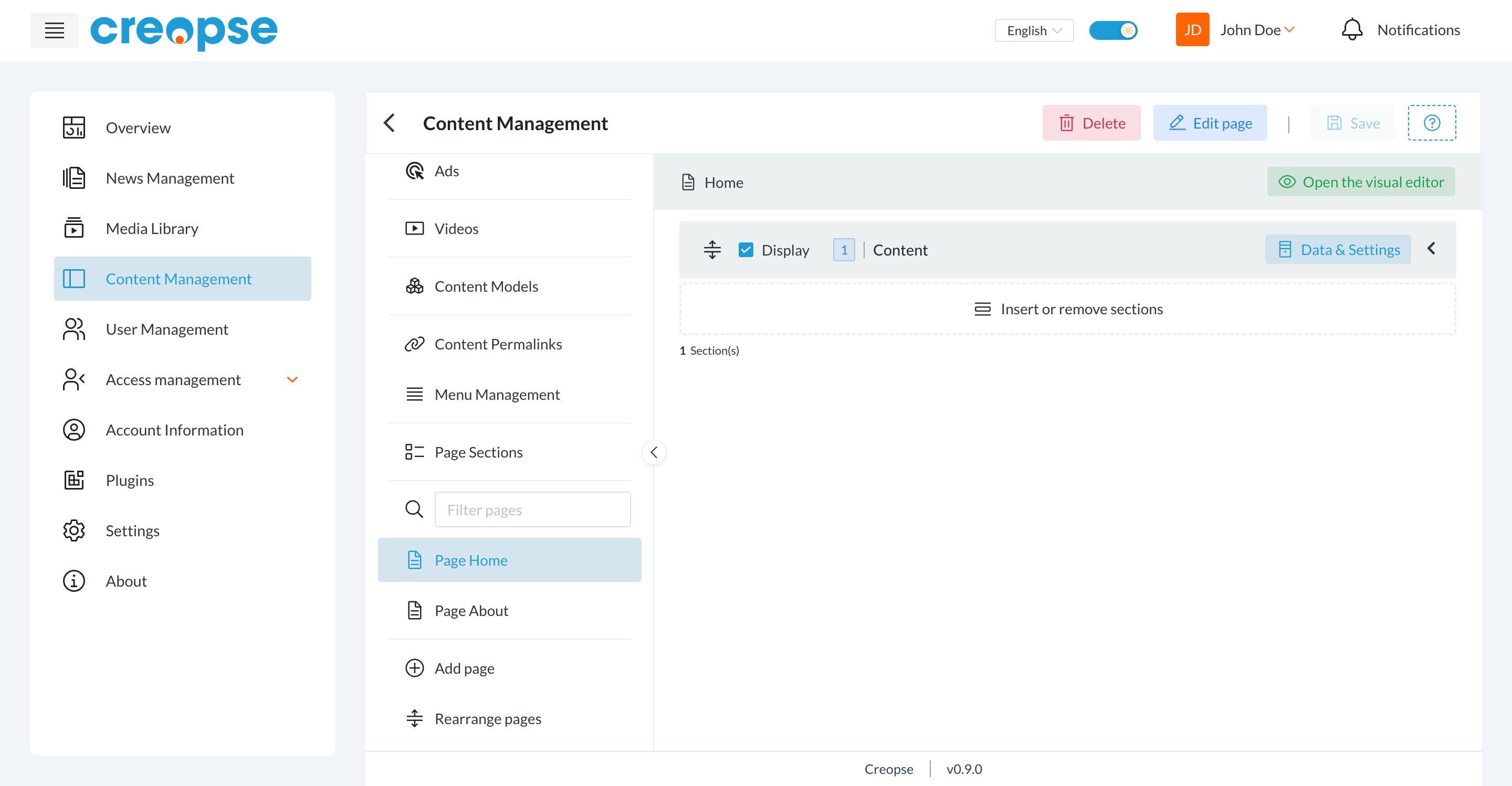
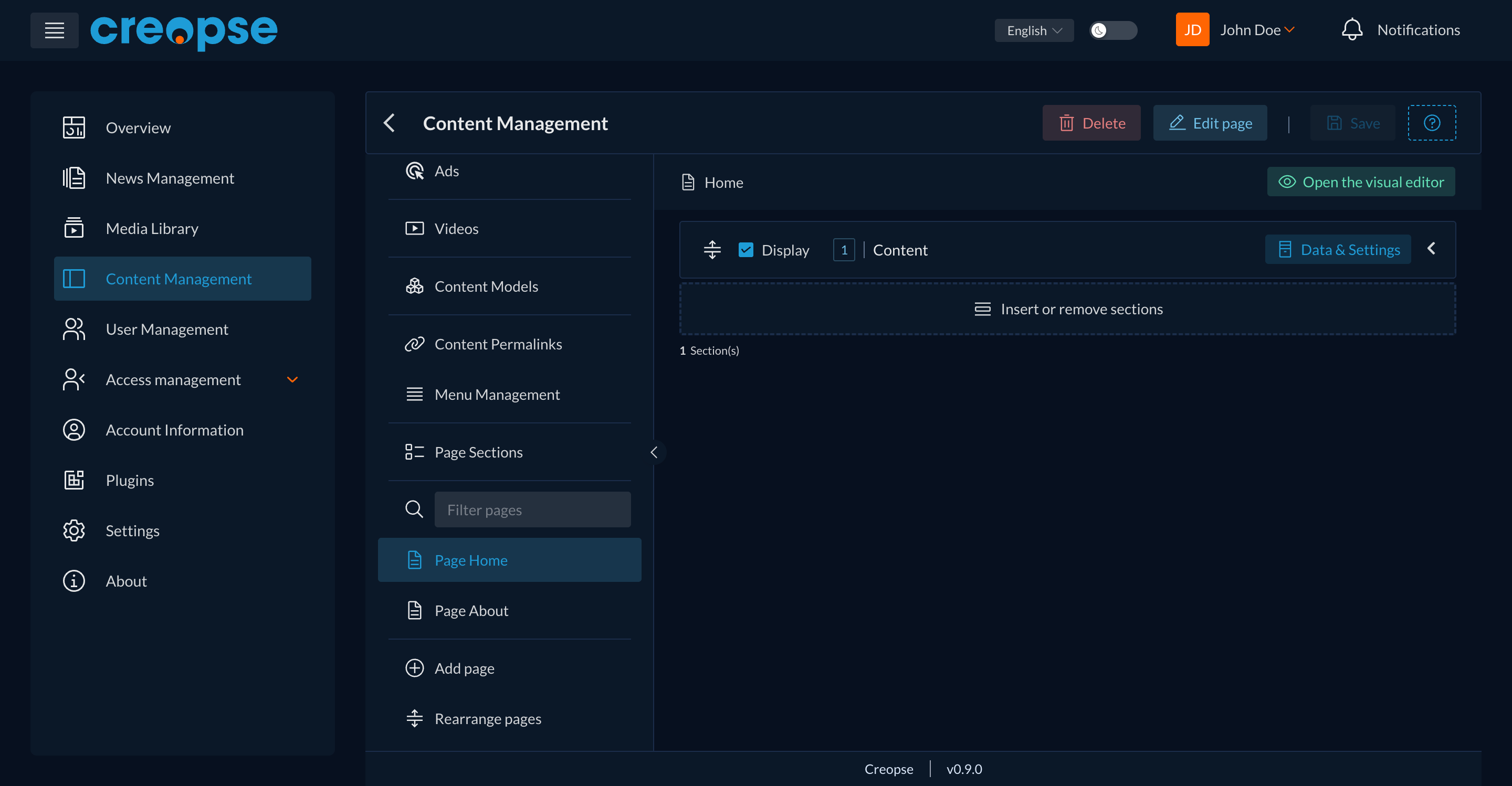
The list on the left shows all of your site's pages (search, add, reorder). Selecting a page reveals:
- its sections, in display order, each with a Display checkbox to publish or hide it without deleting it;
- a Data & Settings button per section to edit its content;
- Insert or remove sections to compose the page;
- Open the visual editor to edit the content directly on the page's rendering — see Visual Editor.
Are you a developer?
A technical version of this section (with the associated CLI commands) exists in the Developer Docs.