
Access management
Define who can do what in the admin interface, through two complementary concepts: roles and permissions.
Roles
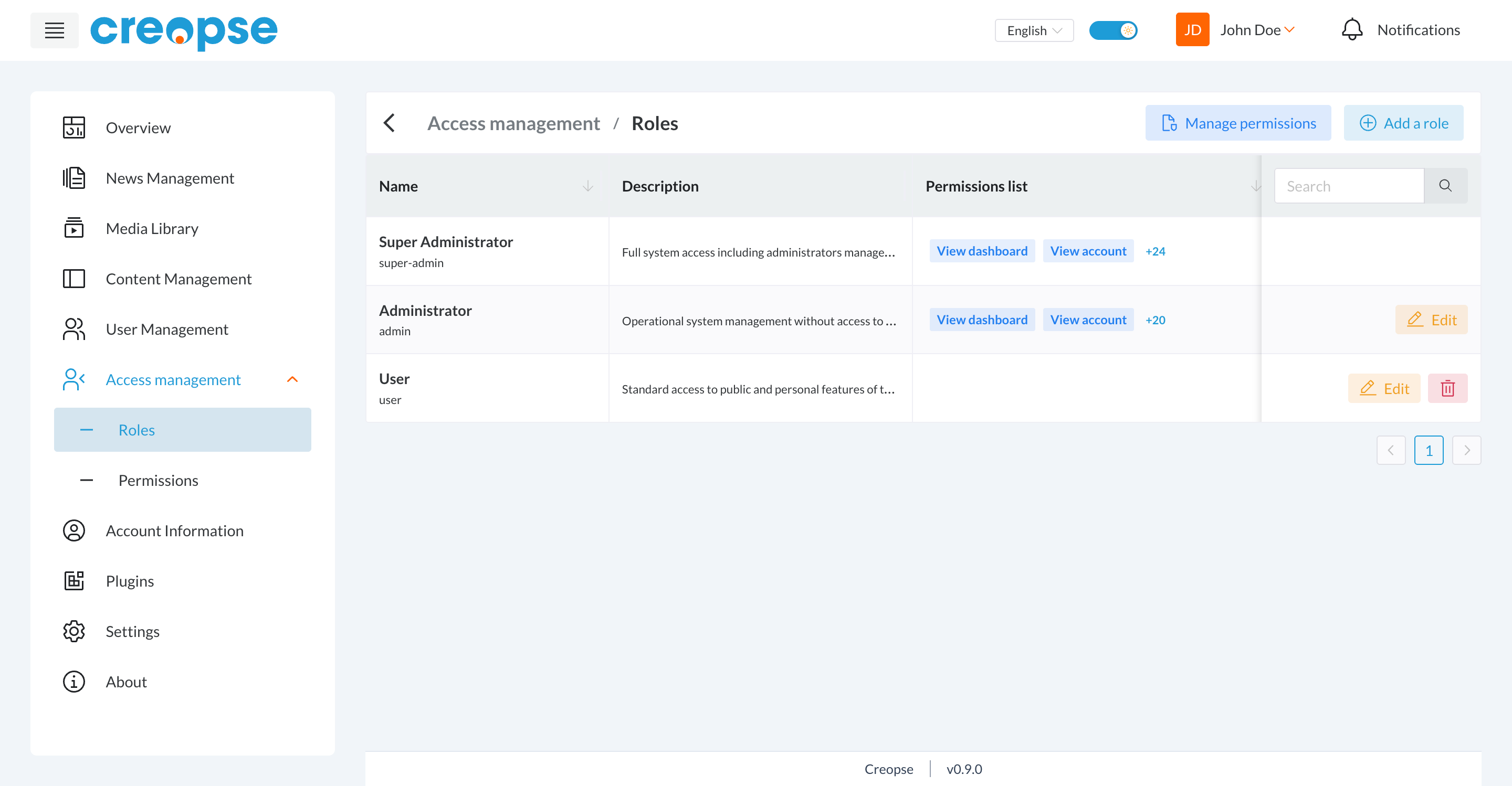
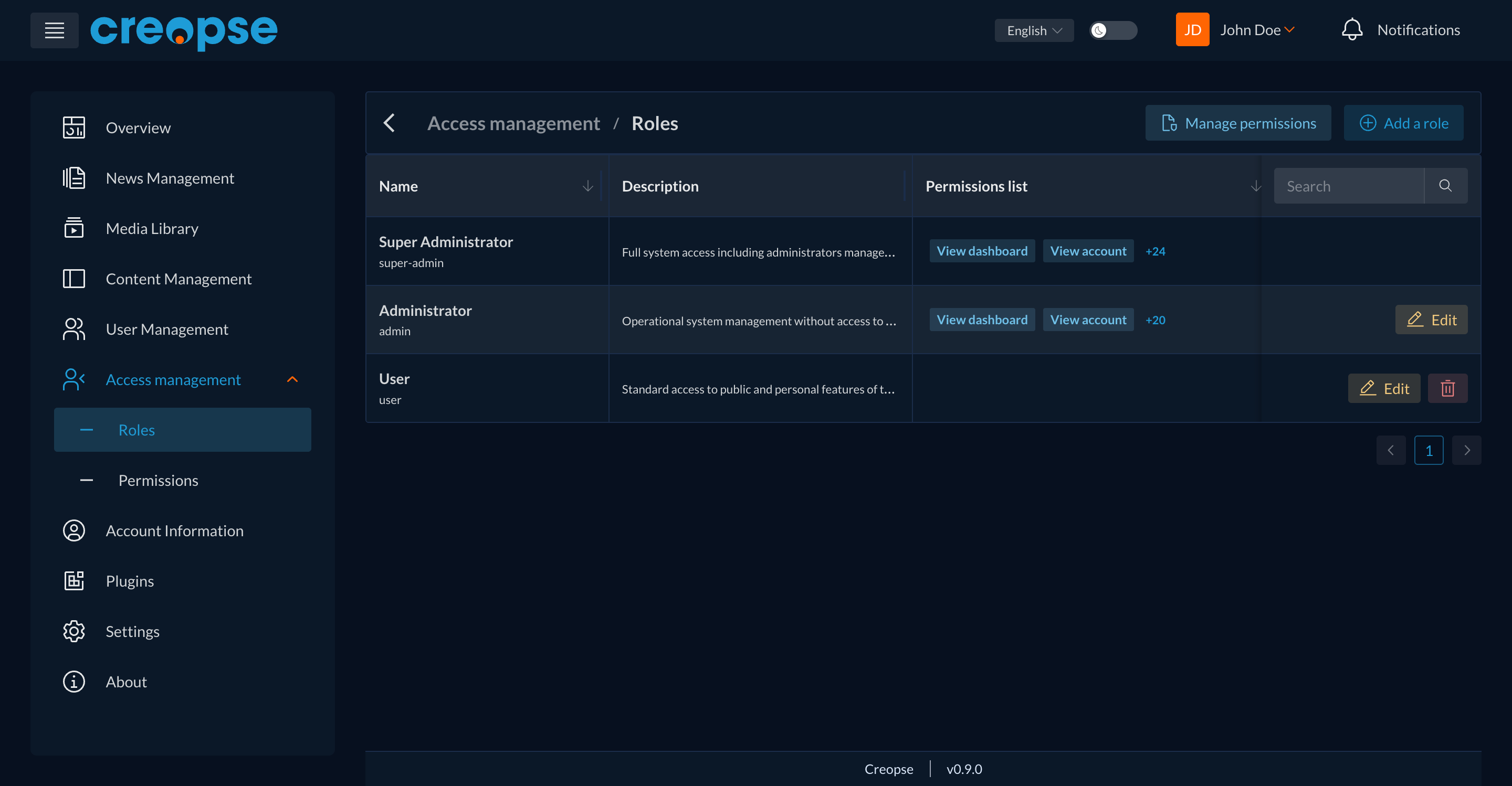
A role groups a set of permissions and is assigned to users (see User Management). Three roles exist by default: Super Administrator (full access), Administrator (operational management, without access to the most sensitive settings), and User (standard access). Add a role creates a new one, and Manage permissions adjusts the global list of available permissions.
Permissions
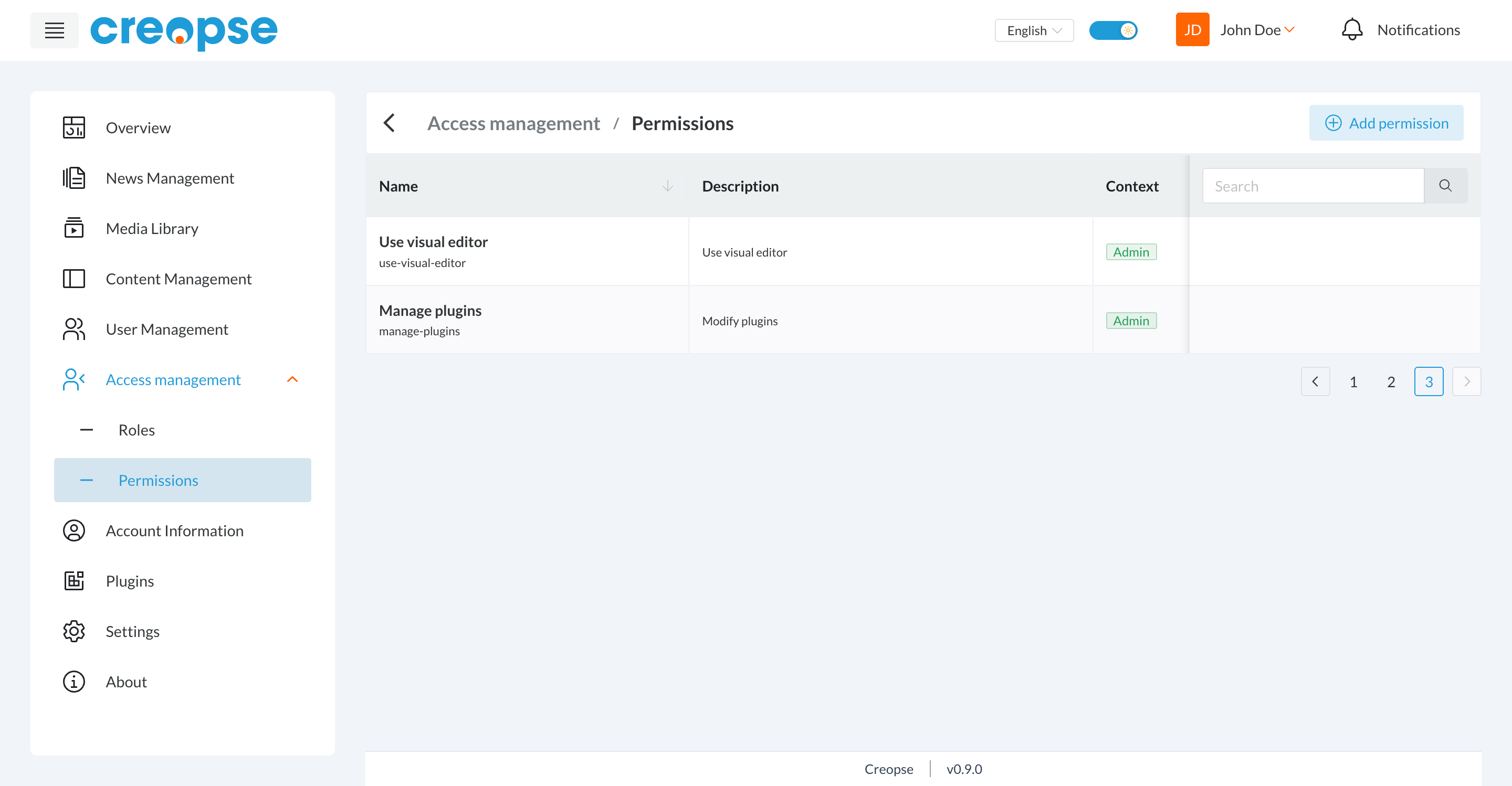
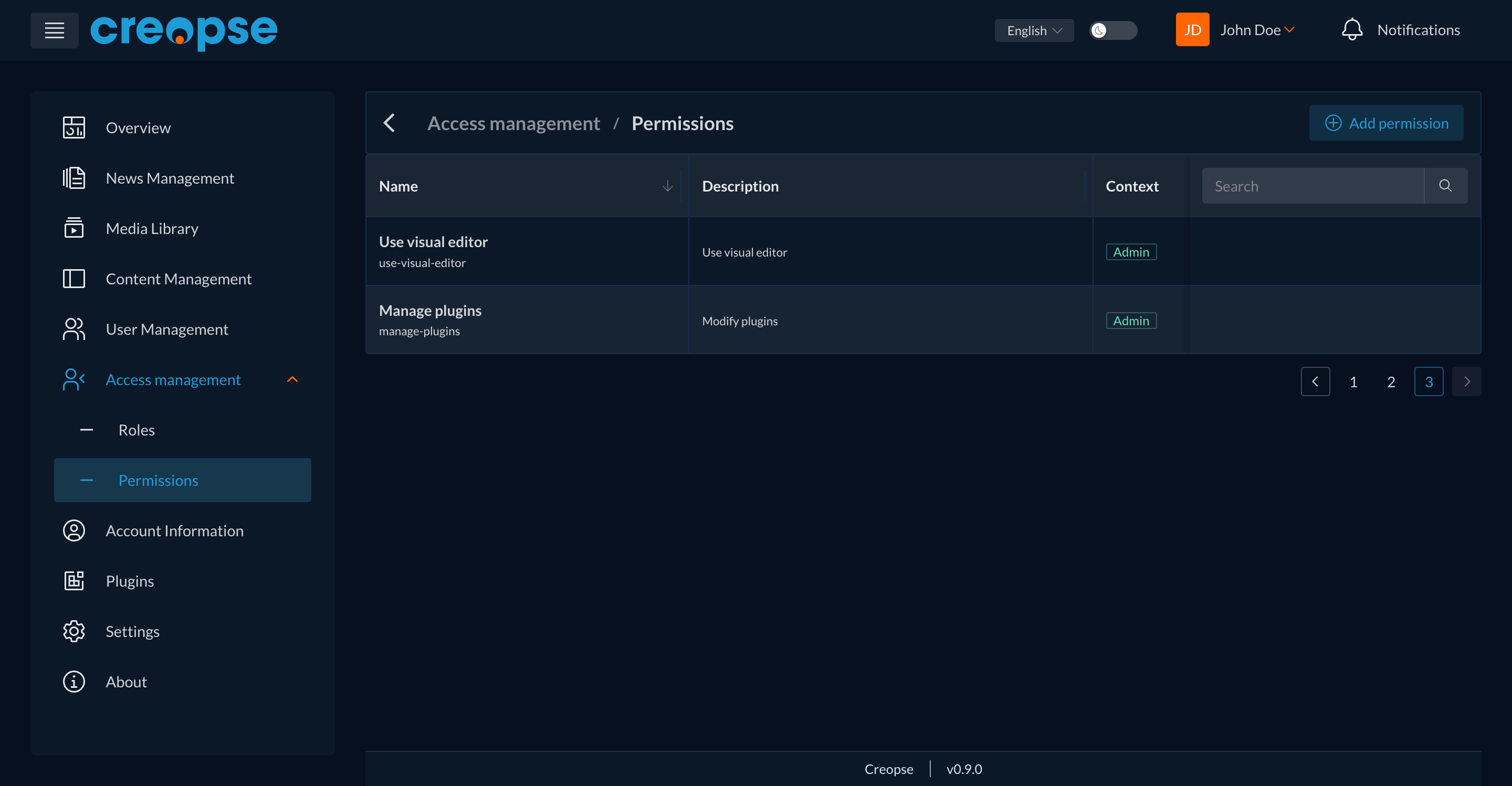
A permission authorizes a specific action (e.g. "Use visual editor", "Manage plugins"). Each permission has a technical name and a context (e.g. Admin). Add permission creates a new one.
TIP
Change a role's permissions with care — it immediately affects every user assigned to that role.
Are you a developer?
A technical version of this section exists in the Developer Docs.