
Settings
Configure your site's general options, organized into four tabs: General, Appearance, Content, and Translation.
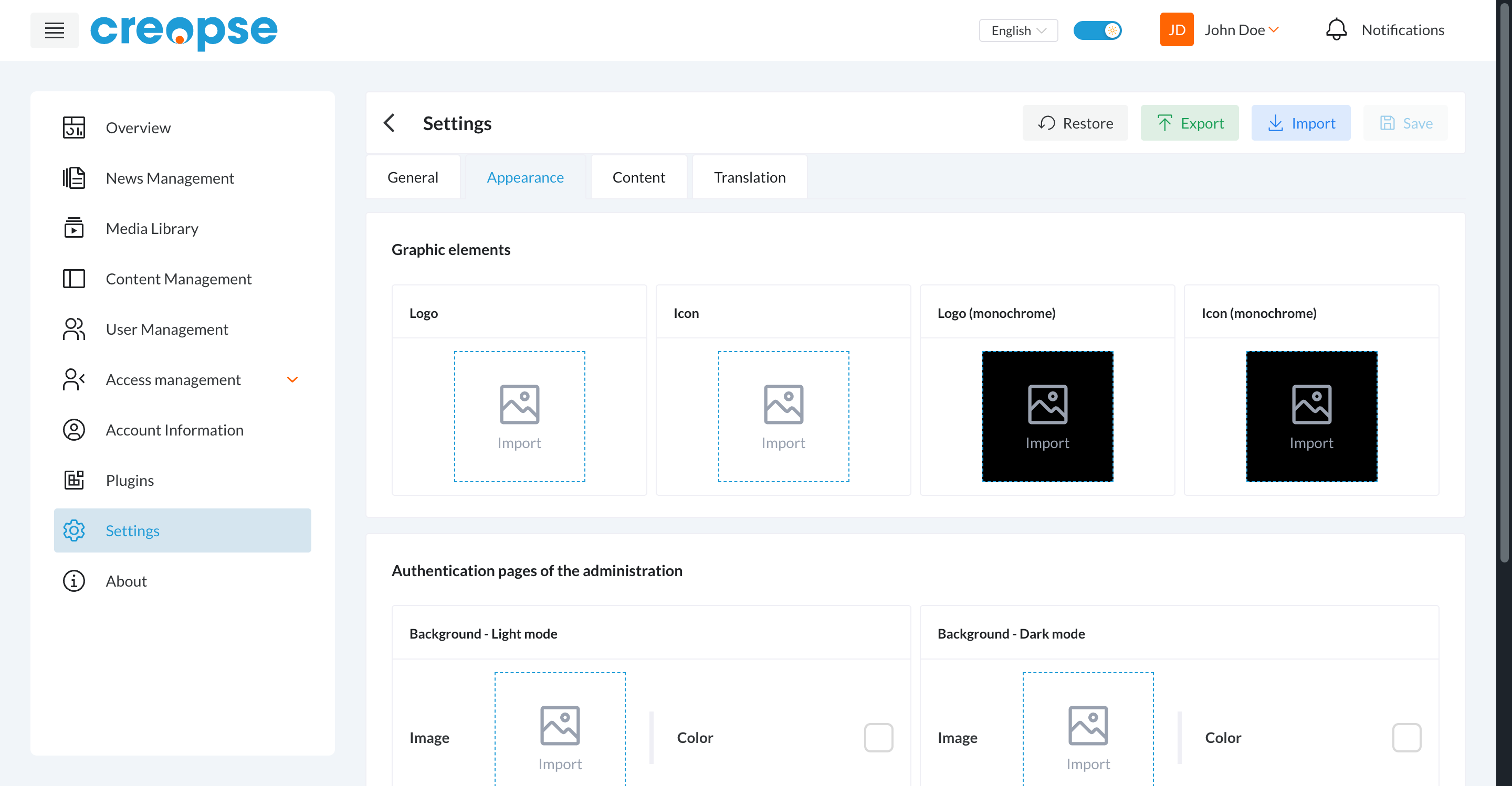
Appearance
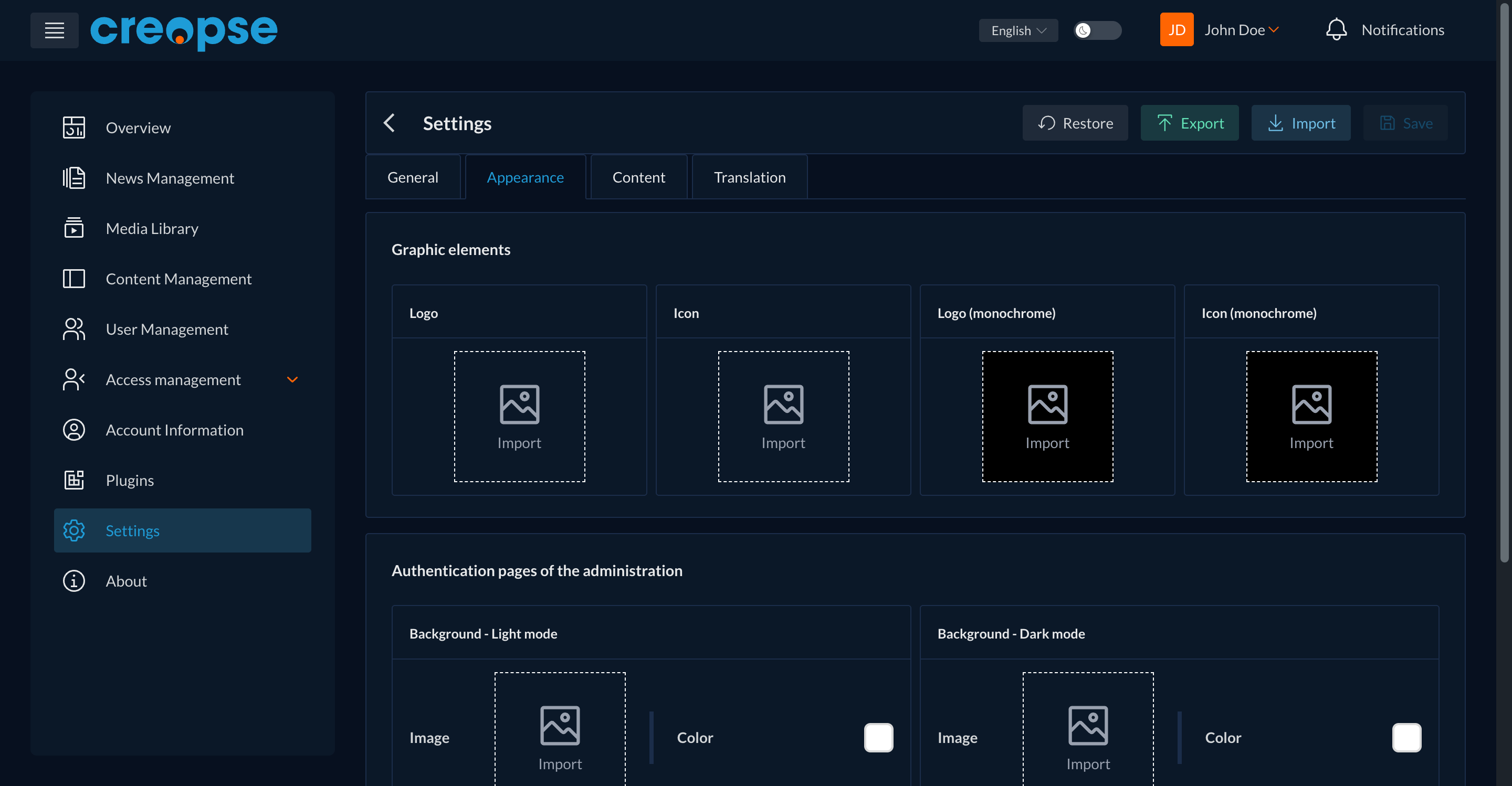
Graphic elements of the administration (logo, icon, and their monochrome versions) and customization of the authentication pages (background image and color, for both light and dark mode).
Global actions
- Export downloads a copy of your current settings.
- Import restores settings from a previously exported file.
- Restore reverts to the default values.
- Save applies the current changes.
TIP
Export your settings before making a significant change — this lets you roll back easily if something goes wrong.
Are you a developer?
A technical version of this section exists in the Developer Docs.