
Content Management
The Content Management section of the admin panel brings together everything related to the site's public content: platform identity, pages, sections, content models, permalinks, menus, newsletter, ads and videos. It's the entry point an administrator uses day to day, independently of the integration work done on the code side (see the developer documentation for building the templates themselves).
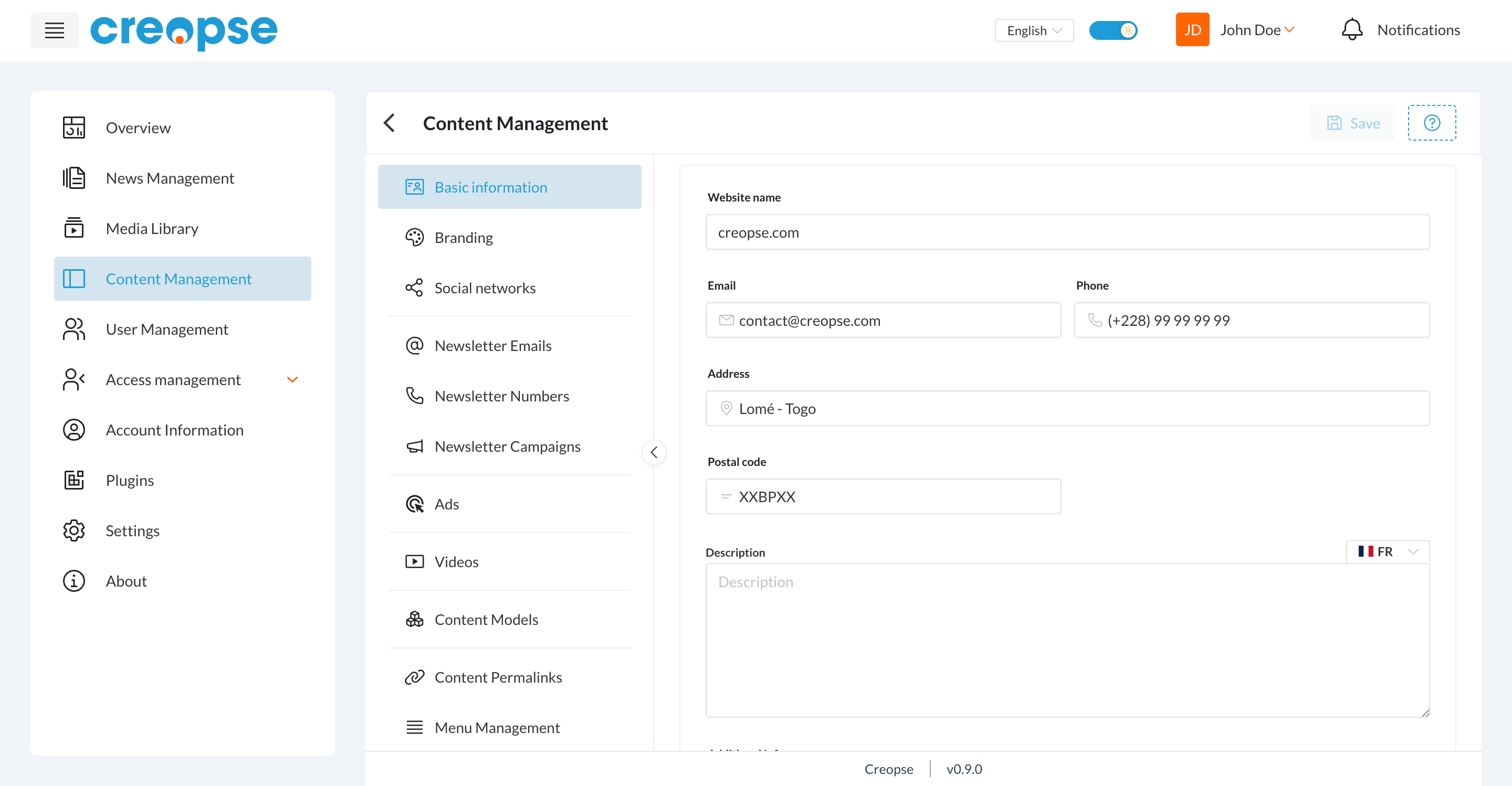
Sections
| Section | Role |
|---|---|
| Platform Identity | Basic information, branding (logo, colors) and social networks for the site. |
| Menu Management | Site navigation (header, footer...). |
| Pages | Creating pages and assembling their sections. |
| Content Models | Reusable data structures (services, projects...) and their entries. |
| Permalinks | Association between a piece of content and its public URL. |
| Newsletter | Subscribers (emails, numbers) and send campaigns. |
| Ads | Advertising placements on the site. |
| Videos | Video categories and items. |
| Visual Editor | Previewing and editing sections directly on the rendered page. |
TIP
Each item listed here corresponds to an entry in the side menu visible once inside Content Management, on the left of the screen.
See also
An end-user–oriented version of this section exists in the User Guide.