
Content Models
This section manages the site's content models — their structure and their items — and corresponds to the creopse content-model CLI group.
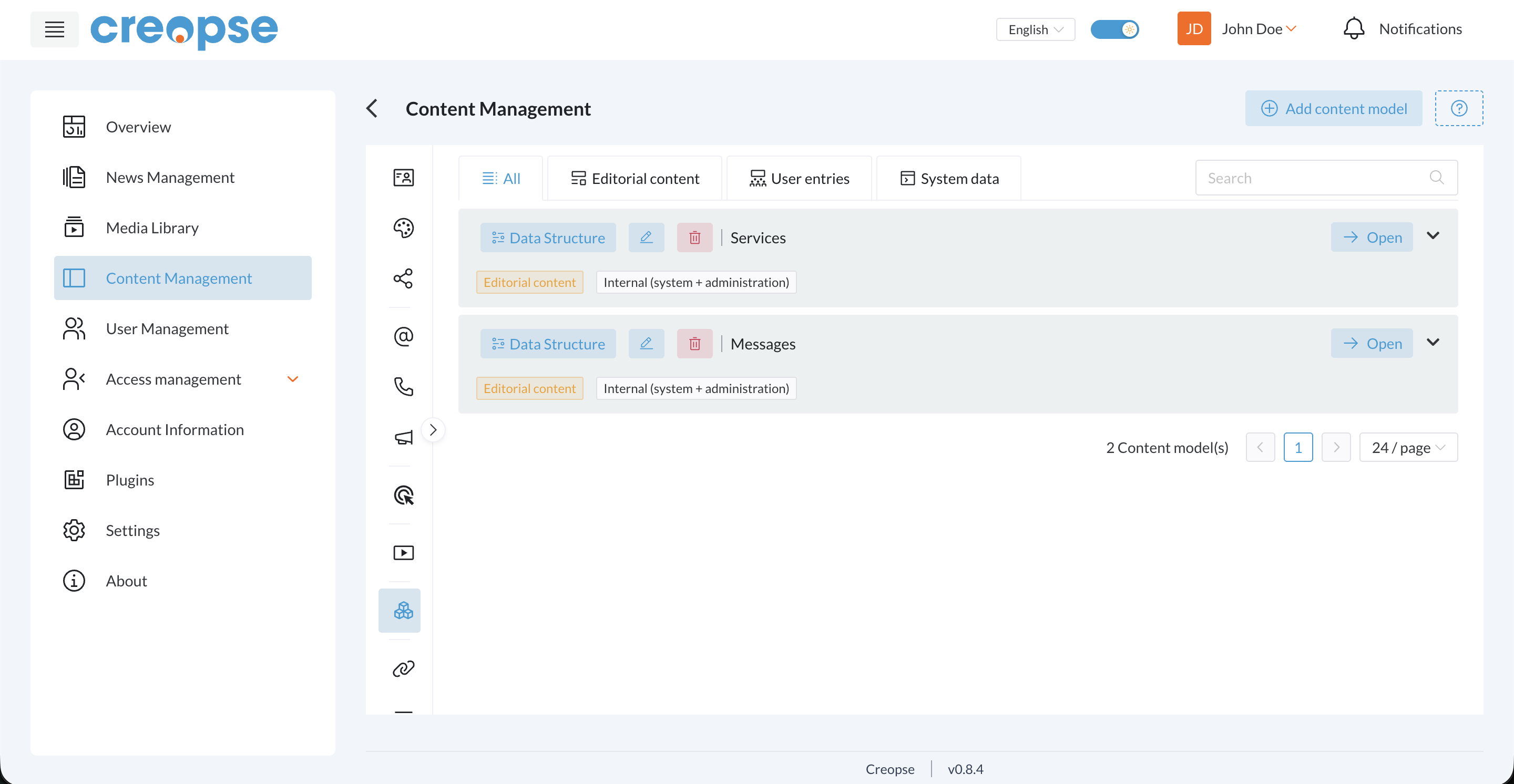
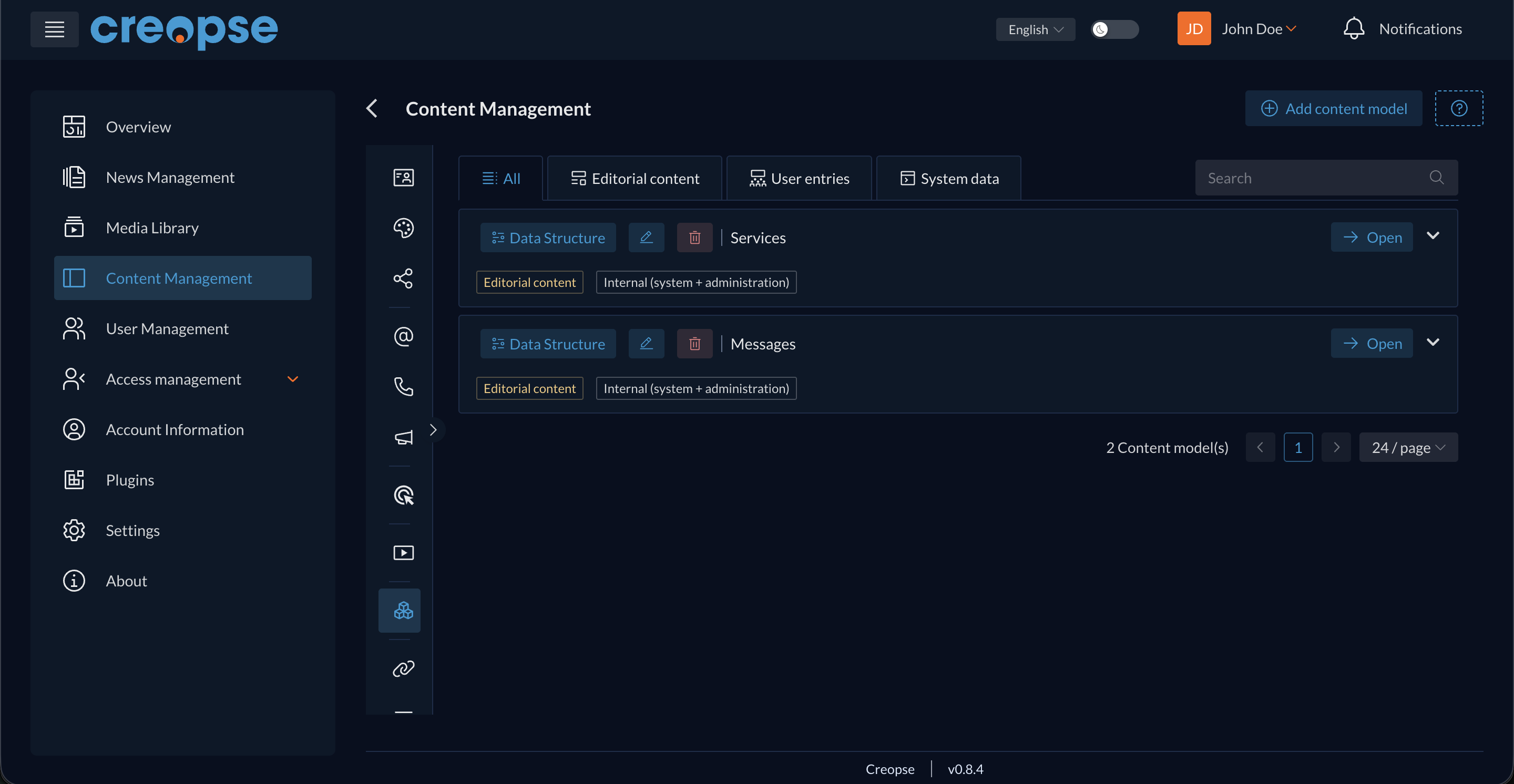
Model list
A set of tabs filters models by category:
- All
- Editorial content — models managed from the admin panel (
intent: editorial-content). - User entries — models fed by site visitors, e.g. contact form messages (
intent: user-data). - System data — models natively provided by Creopse.
A Search field filters by name. The Add content model button opens the creation form for a new model (name, title per language, data structure, field used as title, permalink eligibility).
A model row
Each model displays:
- Data Structure — edits the model's fields (equivalent to
--data-structurein the CLI). - Pencil icon — edits the model's general information (title, description...).
- Trash icon — deletes the model.
- The model's name.
- Two tags: its
intent(e.g. "Editorial content") and itsaccess-scope(e.g. "Internal (system + administration)") — see Content Models for details on these values. - Open — accesses the model's item list (creating, editing, deleting items). A Reorder items action (drag and drop) sets each item's display position — fetch items with
sortBy: 'position'to read that order back, see Content Models.
For developers
Creating models and items can also be scripted through the CLI — see creopse content-model. A model with a detail page then needs to be wired through a permalink.
See also
An end-user–oriented version of this section exists in the User Guide.