
Pages
This section (labeled Page Sections in the side menu) manages the site's pages and the assembly of their sections. It corresponds to the creopse page CLI group.
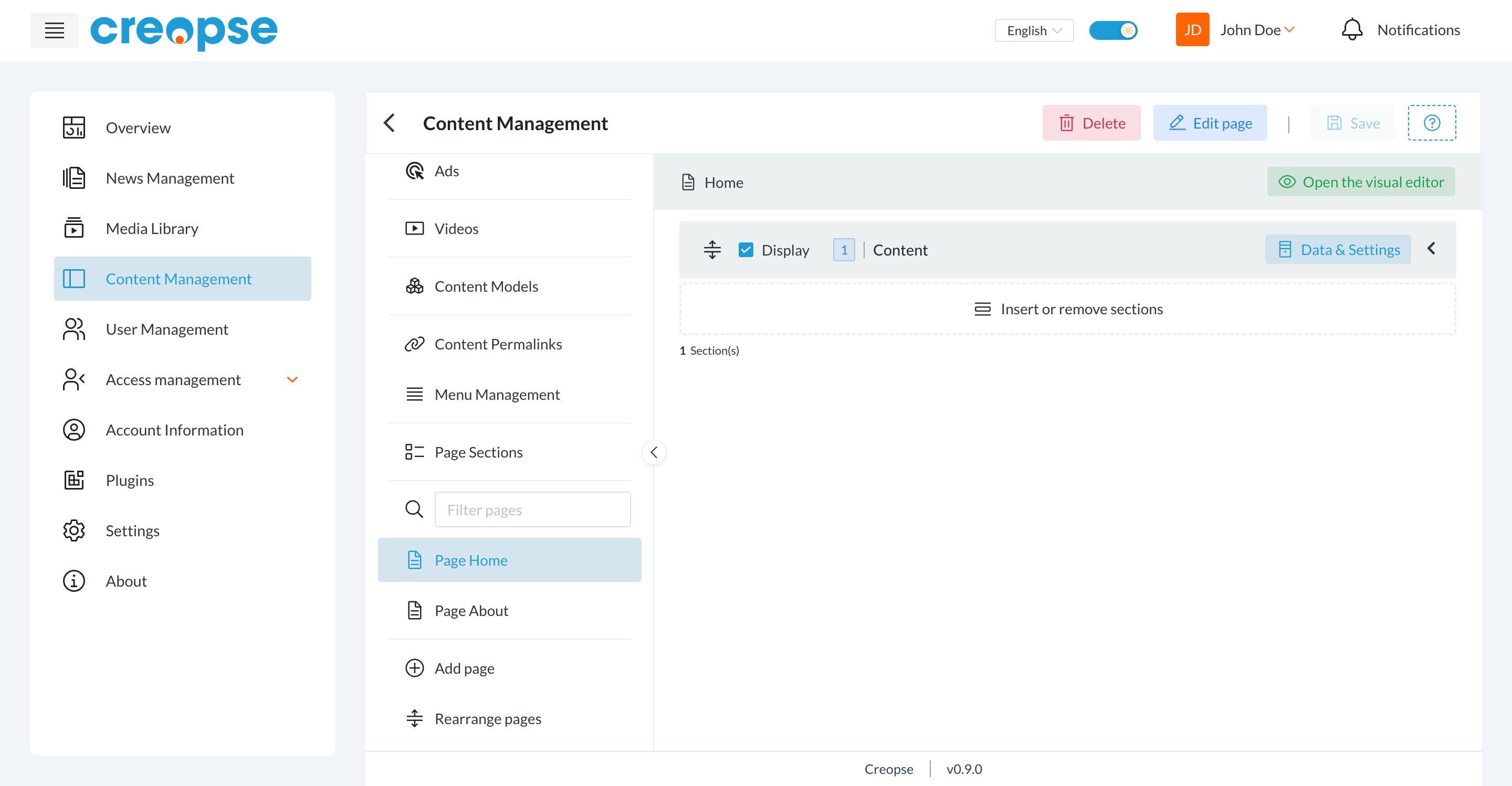
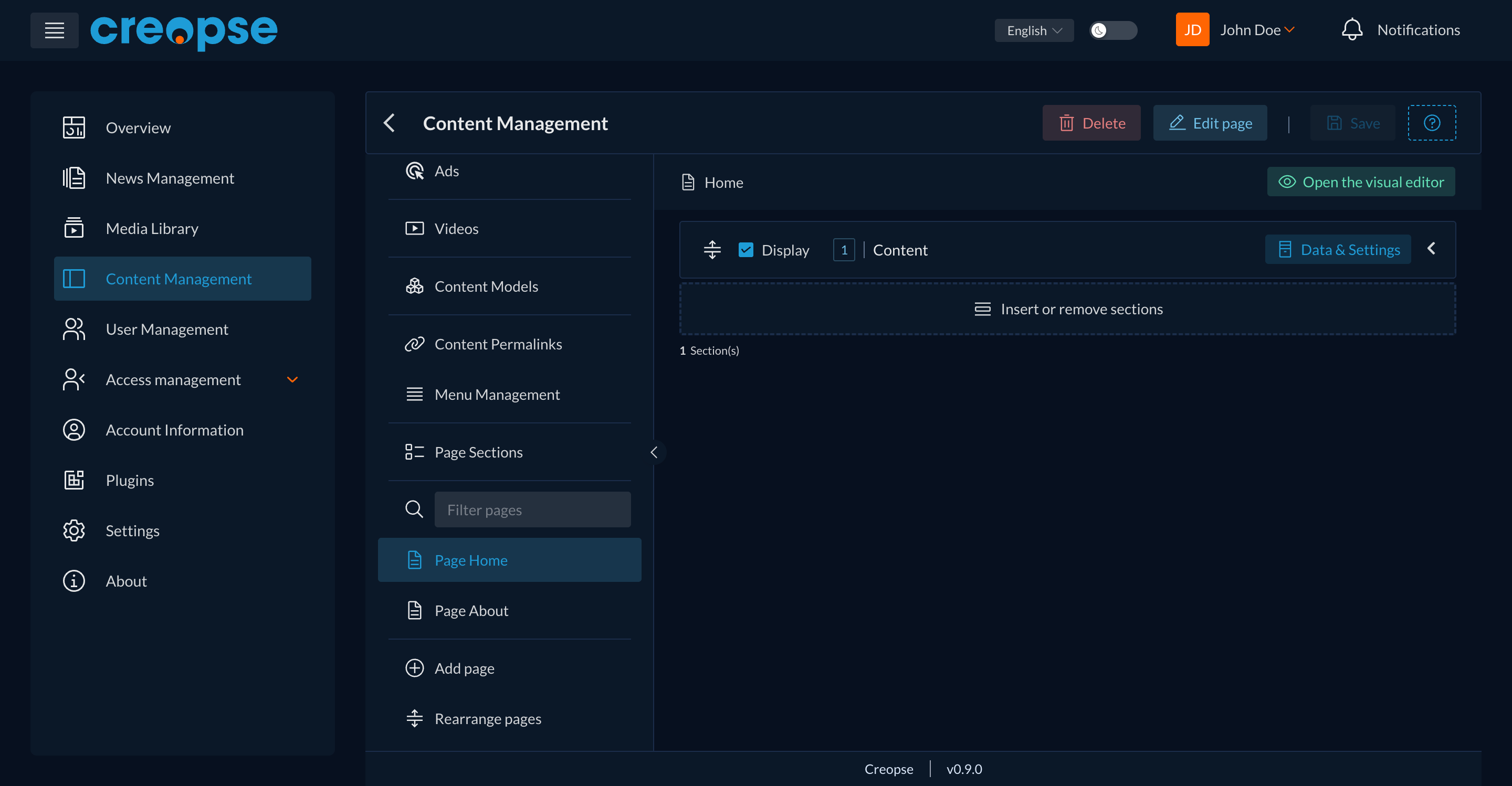
Page list
A Filter pages field lets you search for a page by name. At the bottom of the list:
- Add page — creates a new page (title per language, display position).
- Rearrange pages — changes the order of pages in the list (does not affect their URL).
Page detail
Once a page is selected from the list:
- Edit page — edits the title (per language), content and position of the page.
- Delete — removes the page.
- Open the visual editor — switches to the visual editor for this page.
Attached sections
Each section attached to the page appears in an ordered list, with:
- a reorder handle (drag and drop);
- a Display checkbox — enables/disables the instance without detaching it (equivalent to
creopse page toggle-section-status); - the section's name;
- a Data & Settings button — edits the data and settings of this specific section instance;
- a counter ("X Section(s)") at the bottom of the list.
The Insert or remove sections block lets you attach a new section instance to the page, or detach an existing one.
For developers
Creating pages and attaching sections (with link-id, ordering, enabling/disabling) can also be scripted through the CLI — see Pages and how sections work in detail in Sections & Widgets.
See also
An end-user–oriented version of this section exists in the User Guide.