
Plugins
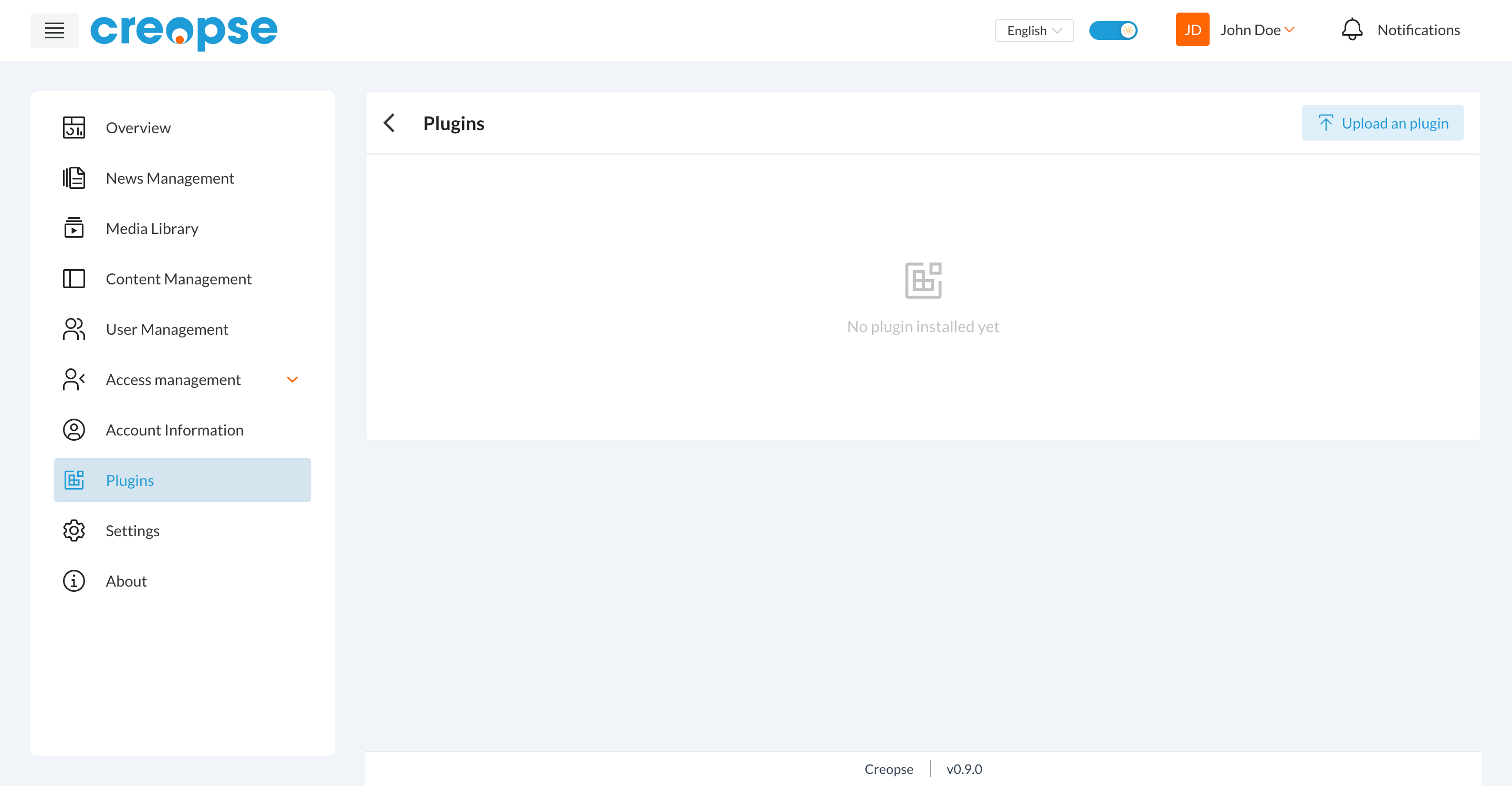
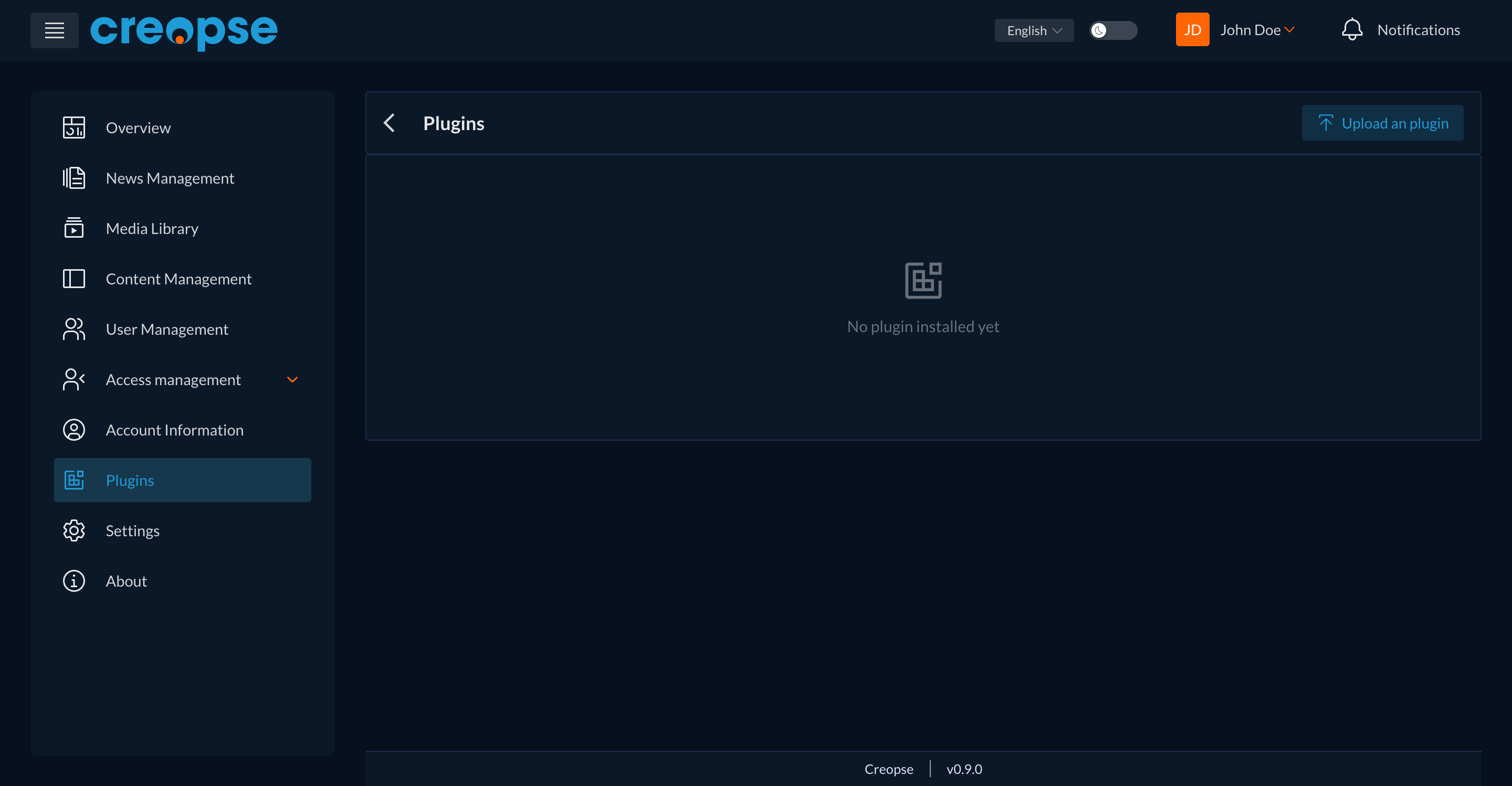
This section manages the extensions installed on the site — packages that add extra functionality beyond what Creopse provides by default.
Installing a plugin
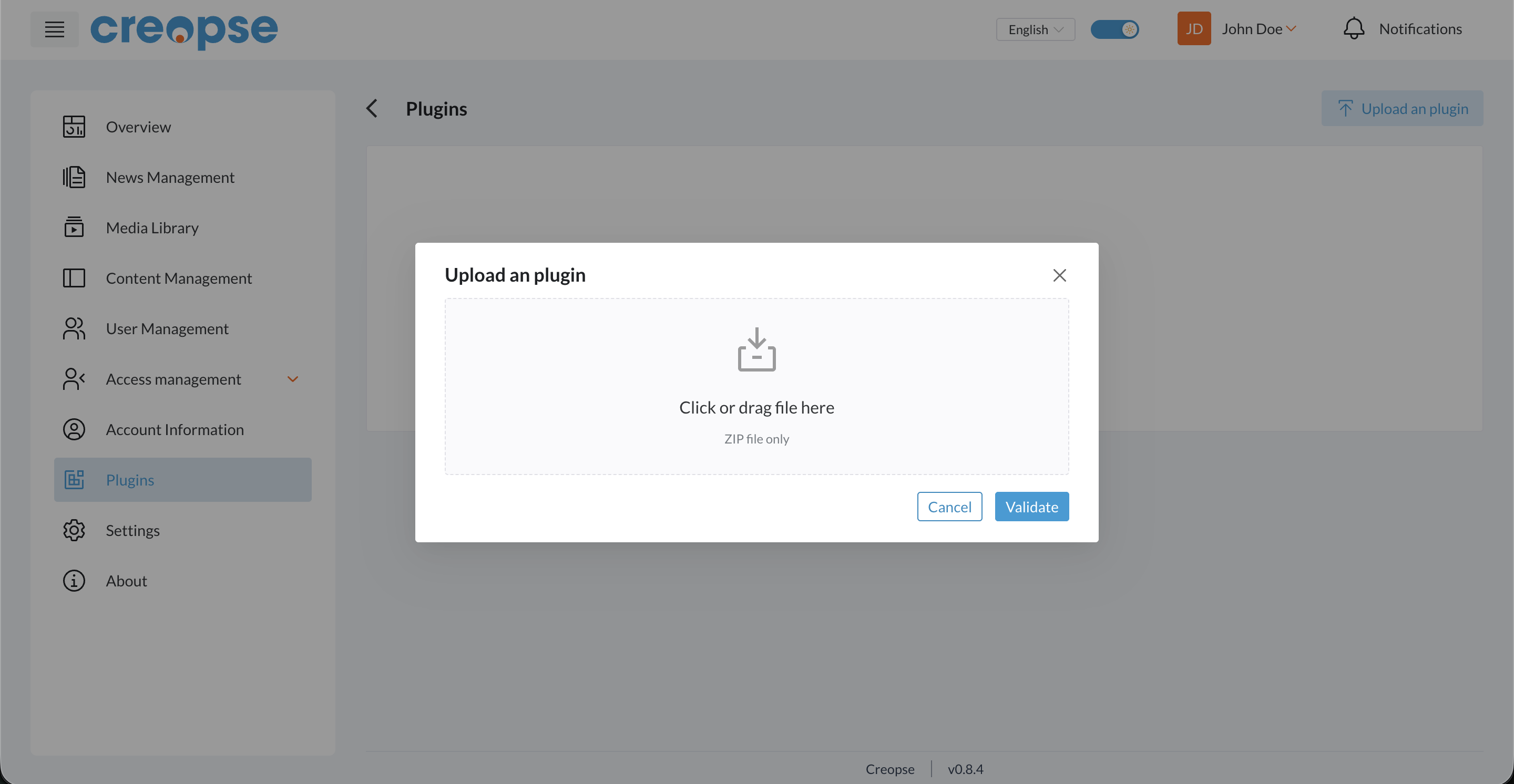
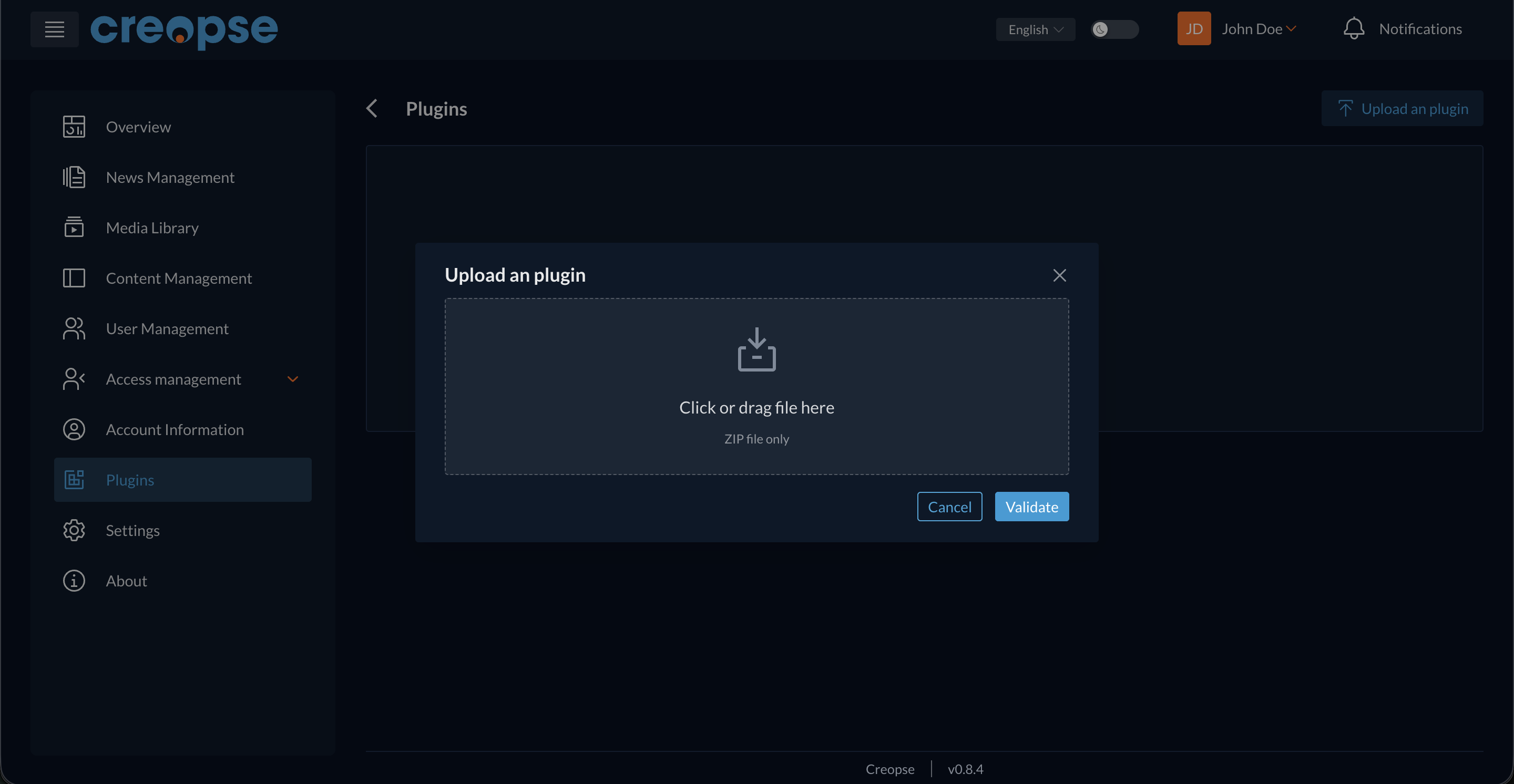
The Upload an plugin button opens a window where you can drag and drop (or select) the plugin's .zip file, then click Validate to install it.
WARNING
Only install plugins from a source you trust — a plugin has access to the site once installed.
For developers
What you upload here is an already-packaged plugin. To develop a plugin (Laravel classes generated inside the package), see Plugin Development.
See also
An end-user–oriented version of this section exists in the User Guide.